7
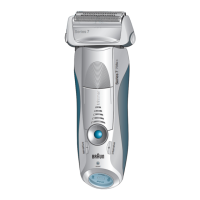
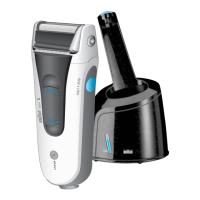
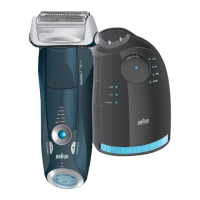
Description
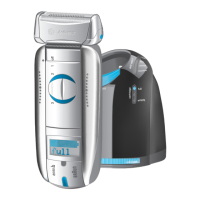
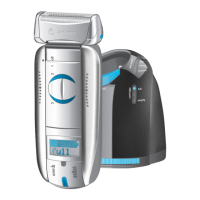
1 Special cord set
2 «start cleaning» button
3 Station-to-shaver connecting contacts
4 Station lift button for cartridge exchange
5 Display for cleaning programs
6 Display for cleaning fluid status
7 Station mains socket
8 Cleaning cartridge
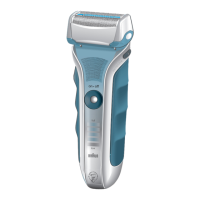
9 Shaver foil protection cap
10 Shaver foil
11 Cutter block
12 Foil release buttons
13 Long hair trimmer
14 Shaver-to-station connecting contacts
(shaver backside)
15 Switch
16 Shaver display
17 Info key
18 Pilot light
19 Shaver mains socket
Before shaving
If you wish, you may start shaving right away (if the shaver
is charged, see section «Shaver display»). However, we
recommend to follow the procedure described here:
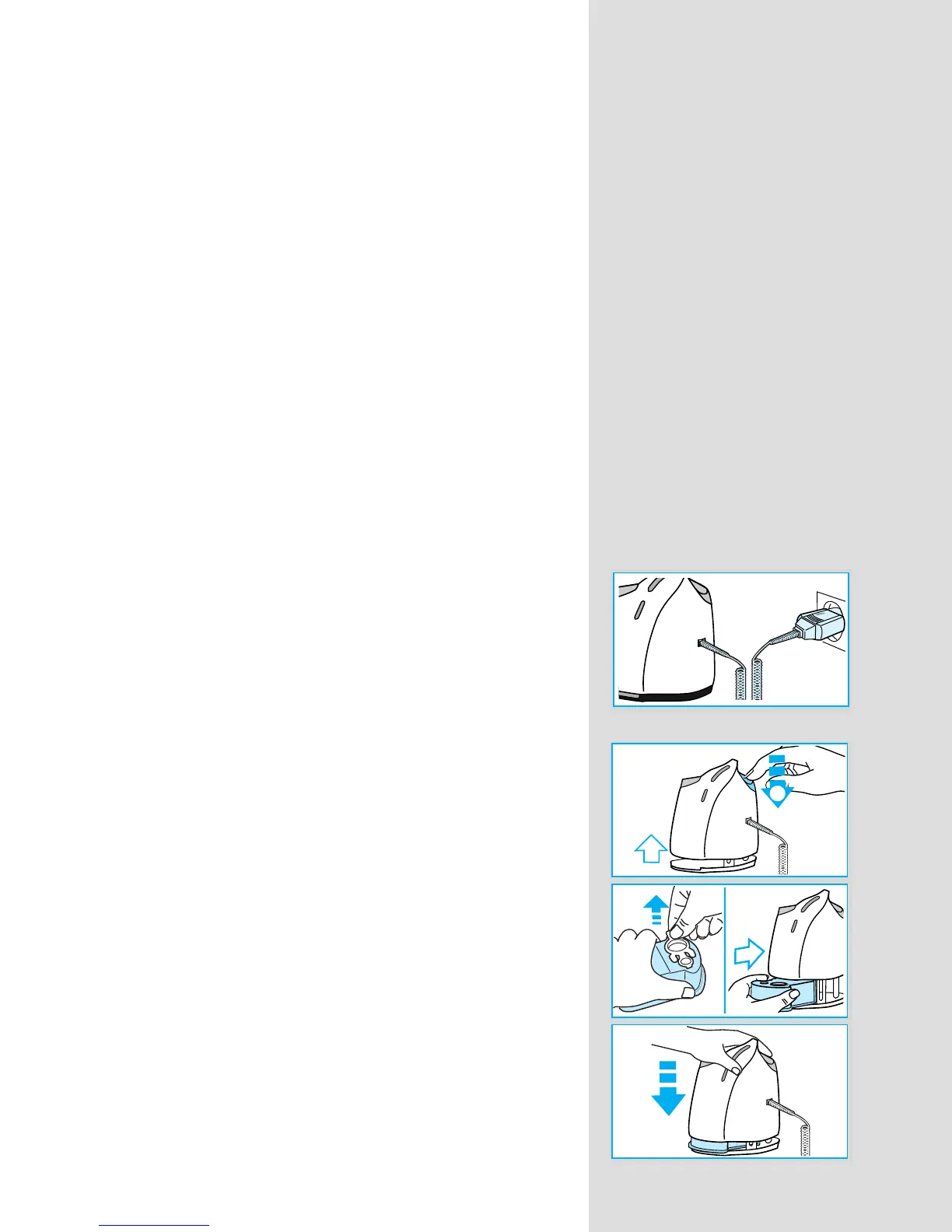
• Using the special cord set (1), connect the socket of the
Clean&Renew™ station (7) to an electrical outlet.
• Press the station lift button (4) to open the housing.
• Hold the cleaning cartridge (8) down on a flat, stable
surface (e.g. table).
• Carefully remove the lid from the cartridge.
• Slide the cartridge into the base of the station as far as
it will go.
• Slowly close the housing by pushing it down until it
locks.
eco
normal
intensive
auto s
full
cartrid
ge
empty
2
c
le
a
n
e
c
o
n
o
rm
a
l
in
te
n
s
ive
full
cartridge
au
to se
lect
em
p
ty
1
c
le
a
n
e
c
o
no
rm
a
l
in
te
n
siv
e
full
cartridge
auto selec
t
em
p
ty
c
l
e
a
n
e
c
o
n
o
rm
a
l
in
te
n
s
iv
e
full
cartridge
auto select
em
p
ty
98715601_8995cc_NA_S4-34 Seite 7 Montag, 14. April 2008 9:03 09



 To Next Page