EasyManua.ls Logo

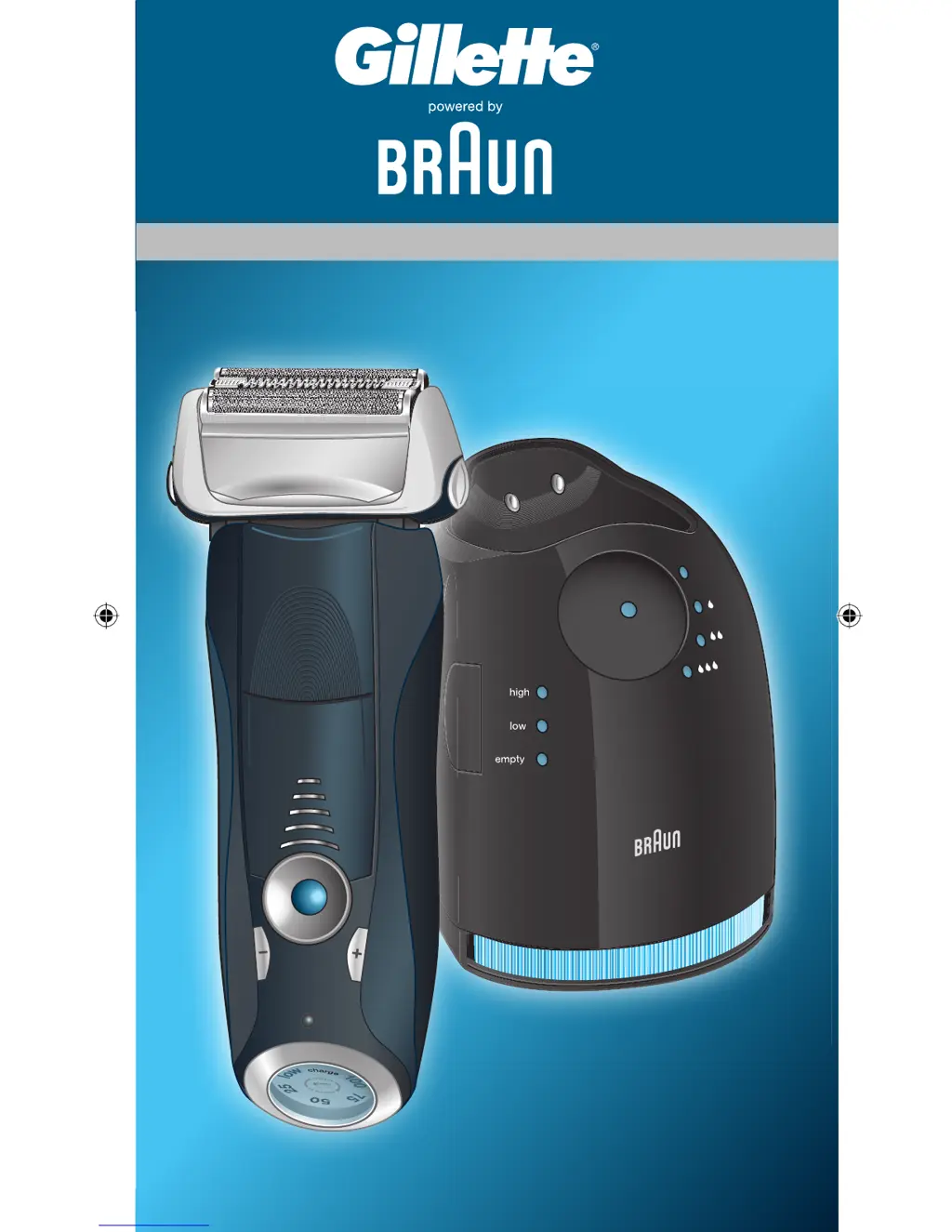
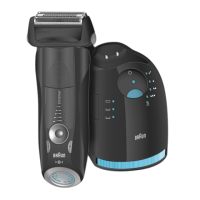
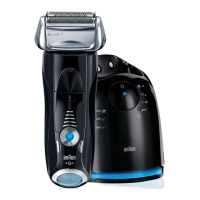
Braun 5693 - User Manual

Braun 5693
18 pages
Print Icon
To Next Page IconTo Next Page
Loading...
Series 5
Series 7
760 cc
Type 5693
clean
s
t
a
r
t
c
l
e
a
n
i
n
g
reset
trimmer
trimmer
trimmer
on
off
on
off
Series 7
760 cc
intensive
sensitive
Series 7
Series 7
Series 7
98790832_760cc_China_6022.indd 1998790832_760cc_China_6022.indd 19 08.01.2009 10:24:25 Uhr08.01.2009 10:24:25 Uhr

Questions and Answers

  • A
    Amanda MartinezAug 14, 2025
    How to fix unpleasant smell from the Braun 5693 head?
    • J
      Juan MartinAug 14, 2025
      An unpleasant smell from the shaver head can occur if the shaver head is cleaned with water. When cleaning the shaver head with water, use only hot water and occasionally some liquid soap (without abrasive substances). Remove the Foil & Cutter cassette to let it dry. The smell can also appear if the cleaning cartridge is in use for more than 8 weeks, in this case, change the cleaning cartridge at least every 8 weeks.
  • C
    Chris CarterAug 17, 2025
    Why does my Braun Electric Shaver shaving performance dropped significantly?
    • D
      Donald HudsonAug 17, 2025
      A decrease in shaving performance may be due to several factors. The foil and cutter might be worn and need replacement. Your personal setting of shaving performance may have been changed, and for a more thorough shave, the green (intensive) setting is recommended. Also, the shaving system could be clogged. Try soaking the Foil & Cutter cassette in hot water with a drop of dish liquid, rinsing it, tapping it out, and applying a drop of light machine oil once it's dry.
  • B
    badamsAug 20, 2025
    What to do if my Braun 5693 turns off with fully charged battery?
    • B
      bowmanannaAug 20, 2025
      If your shaver turns off even with a full battery, it could be that the foil and cutter are worn, demanding more power than the motor can provide, so you should renew Foil & Cutter cassette. Regularly oiling the shaving system, especially after cleaning it with water, can also help.
  • E
    Elijah HallAug 25, 2025
    Why does my Braun Electric Shaver battery performance dropped significantly?
    • C
      Charles RodriguezAug 25, 2025
      A significant drop in battery performance could be because the foil and cutter are worn, requiring more power for each shave, so you should renew Foil & Cutter cassette. Also, if you regularly clean the shaver head with water but don't lubricate it, apply a drop of light machine oil on top of the foil once a week.
  • A
    Alex BarnesAug 27, 2025
    What to do if cleaning does not start when pressing the start button on Braun 5693?
    • B
      briancarpenterAug 27, 2025
      If the cleaning cycle doesn't initiate when you press the start button, ensure the shaver is correctly placed in the Clean&Renew station, aligning the contacts. Check if the cleaning cartridge has sufficient cleaning fluid; a red light indicates it needs replacing. Also, verify that the appliance isn't in stand-by mode by pressing the start button again.
  • C
    Christopher HowardAug 30, 2025
    Why does my Braun 5693 battery segments in the display are skipped with decreasing battery capacity?
    • M
      Matthew WoodsAug 31, 2025
      Skipped battery segments may indicate worn foil and cutter, requiring more power per shave, so renew Foil & Cutter cassette. Regularly oiling the shaving system, especially after water cleaning, can also help.
  • C
    Christopher ParsonsSep 3, 2025
    How to fix a Braun 5693 shaving system that is still wet after cleaning program has been completed?
    • T
      Travis Evans Jr.Sep 3, 2025
      If the shaving system remains wet after cleaning, the drain of the Clean&Renew station may be clogged; clean it with a wooden toothpick and regularly wipe the tub. If the cleaning cartridge has been used for an extended period, the ethanol proportion may have decreased, while the oil proportion has increased, so remove residue with a cloth.
  • S
    samantha61Sep 6, 2025
    Why does my Braun 5693 Electric Shaver has increased consumption of cleaning fluid?
    • F
      fieldsscottSep 6, 2025
      Increased consumption of cleaning fluid may be due to a clogged drain in the Clean&Renew station, so clean the drain with a wooden toothpick. Regularly wipe the tub clean as well.
  • T
    Tammy CarterSep 9, 2025
    What to do if Braun 5693 shaving parts have been changed recently but replacement symbol lights up?
    • K
      Kristen HuangSep 10, 2025
      If the replacement symbol remains lit after changing shaving parts, push the reset button for at least 3 seconds to reset the counter.

Summary

Safety Warnings

Power Supply Warning

Risk of electric shock from power supply. Do not tamper with parts.

User Suitability and Supervision

Appliance not for unsupervised children or those with reduced capabilities.

Station Placement and Leakage Prevention

Ensure station is on a flat surface to prevent cleaning fluid leakage.

Flammability Hazard

Keep cleaning cartridge away from ignition sources and sunlight.

Cartridge Refill Warning

Use only original Braun refill cartridges, do not refill.

Product Components Description

Clean&Renew Station Components

Lists components of the cleaning and charging station, from display to cartridge.

Shaver Main Components

Details primary shaver parts like foil, cutter, head lock, and trimmer.

Shaver Controls and Accessories

Shaver Control Buttons

Details shaver controls like on/off, sensitive/intensive settings, and reset button.

Shaver Indicators and Accessories

Describes shaver display, contacts, power socket, travel case, and cord set.

Station Setup and Shaver Charging

Installing the Clean&Renew Station

Step-by-step guide to correctly set up the cleaning and charging station.

Charging and Cleaning the Shaver

Instructions for inserting the shaver into the station for automatic charging and cleaning.

Cleaning Programs and Station Modes

Cleaning Program Details

Explains different cleaning levels and the process duration.

Stand-by Mode Operation

Describes when the Clean&Renew station enters stand-by mode.

Shaver Display and Battery Status

Shaver Display Functionality

How the shaver display indicates battery charge status.

Low Battery Indicator

Red indicator for battery below 20%, signifying 2-3 shaves remaining.

Charging Time and Usage

Information on full charge duration and factors affecting it.

Personalizing Your Shave

Shave Mode Settings

Explains intensive, normal, and sensitive modes indicated by pilot light.

Adjusting Shave Settings

How to select and change between shave intensity settings.

Shaver Operation Guide

Basic Shaving Technique

Using the on/off switch and how the head adjusts to contours.

Shaving Difficult Areas

How to lock the shaver head for hard-to-reach areas.

Using the Trimmer

Instructions for using the pop-out long hair trimmer.

Tips for Optimal Shaving

Pre-Shave Preparation

Recommendation to shave before washing your face.

Shaving Angle and Pressure

Hold shaver at 90° and stretch skin for best results.

Corded Shaving Option

Shaving While Charging

How to shave using the special cord set when the battery is low.

Shaver Cleaning Procedures

Automatic Cleaning Process

Details on returning the shaver to the station for automated cleaning and charging.

Manual Cleaning with Water

Instructions for cleaning the shaver head directly under tap water.

Manual Cleaning Steps

Rinsing, foil removal, drying, and occasional oiling for manual cleaning.

Alternative Manual Cleaning Methods

Cleaning with Cleaning Brush

Using the provided brush to clean the shaver head and pivoting area.

Station and Cartridge Maintenance

Cleaning the Station Housing

How to clean the exterior of the shaver and station.

Replacing Cleaning Cartridge

Procedure for safely removing and replacing the cleaning fluid cartridge.

Shaver Maintenance and Reset

Foil & Cutter Replacement

When and how to replace the foil and cutter cassette for optimal performance.

Resetting Replacement Indicator

How to manually reset the replacement indicator after changing parts.

Environmental and Compliance Information

Battery Disposal Guidelines

Proper disposal of rechargeable batteries to protect the environment.

Cleaning Cartridge Disposal

Instructions for disposing of the used cleaning cartridge.

Product Compliance Standards

Notes on conformity with European EMC and Low Voltage Directives.

Braun 5693 Specifications

General IconGeneral
Model5693
SeriesSeries 5
Wet & DryYes
Charging time1 hour
Travel lockYes
Automatic voltage adaptationYes
Shaver Heads3
Precision TrimmerYes
Cordless UseYes
Cleaning StationNo
Auto-Sensing MotorYes
Shaver typeFoil
Power sourceBattery
Operating time50 minutes
Battery TypeLi-Ion
ColorBlack

Related product manuals