ENGLISH
Braun BN0265
Time setting
1) Pull out the crown to the second click
position (2).
2) Turn the crown to set hour and
minute hand (Check that AM / PM is set
correctly).
3) Push the crown back into the normal
position (N).
If the crown is pulled to the second
position while the chronograph is
started, the chronograph hands
will continue to move. This is not a
malfunction.
Set the date
1) Pull out the crown to the first click
position (1).
2) Turn the crown clockwise for date
setting.
*Do not set the date between 9:00PM
and 3:00AM, otherwise the day may
not change properly. If it is necessary
to set the date during that time period,
first change the time to any time outside
it, set the date and then reset the correct
time.
3) Push the crown back into the normal
position (N).
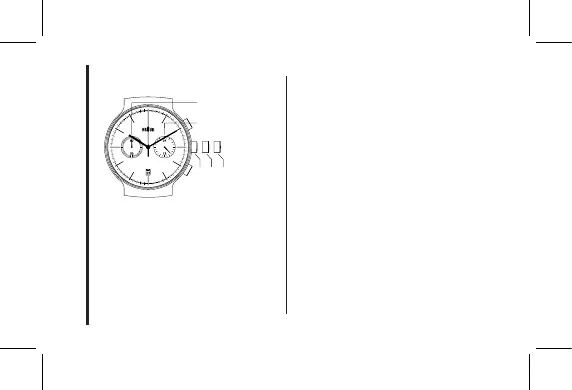
N 1 2
Minute counter
24HR
4


 To Next Page