9
Getting Started
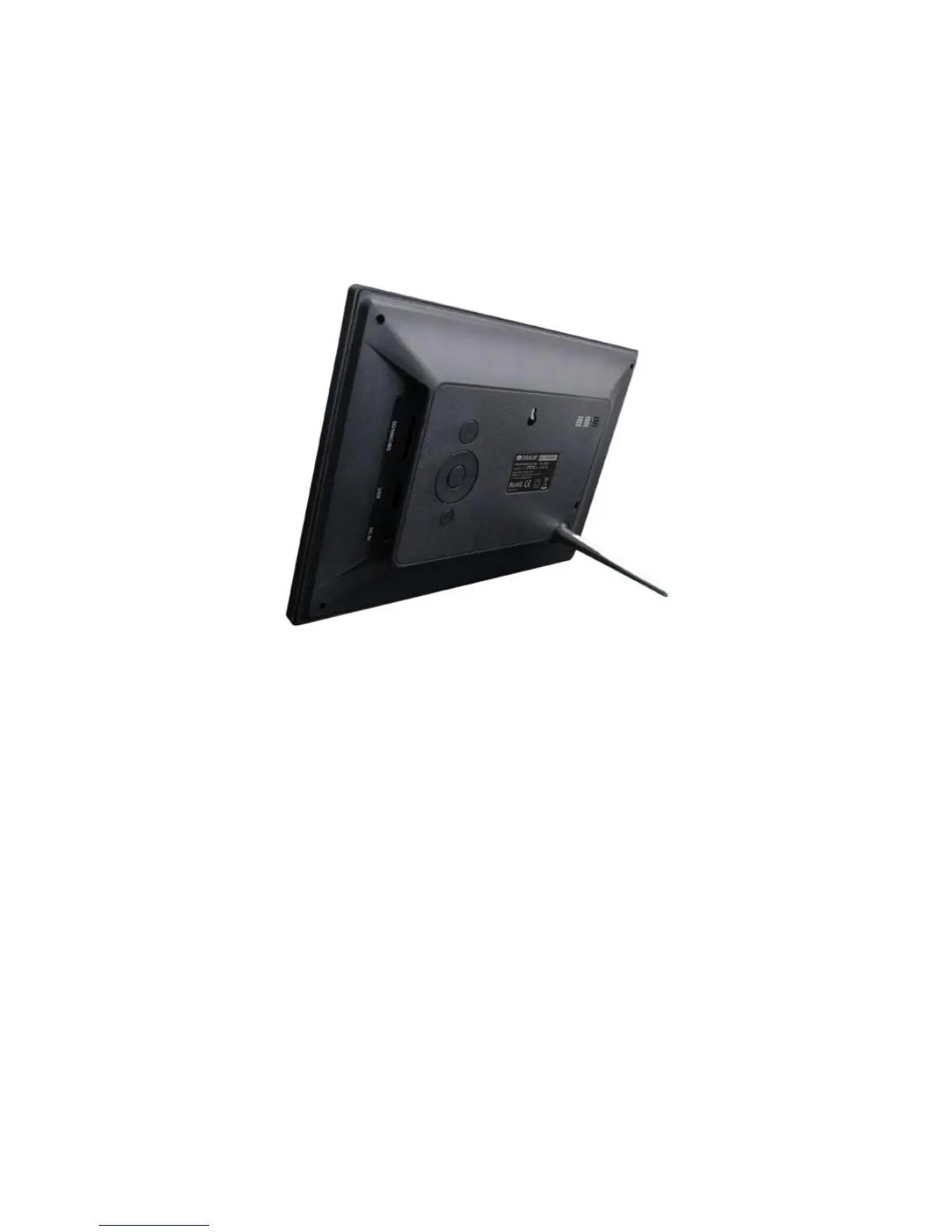
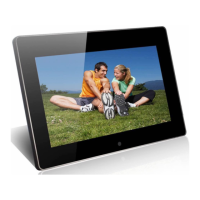
1) To set up your digital photo frame, you first need to attach the stand.
2) Place the digital photo frame horizontally on a flat surface.
3) Insert the power lead into the digital photo frame’s socket marked DC In.
4) Turn on the digital photo frame by either pressing the power button on the back of the unit
or by pressing ON/OFF on the remote control.





 To Next Page