EasyManua.ls Logo

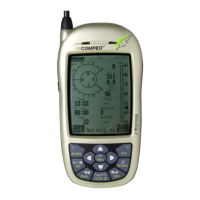
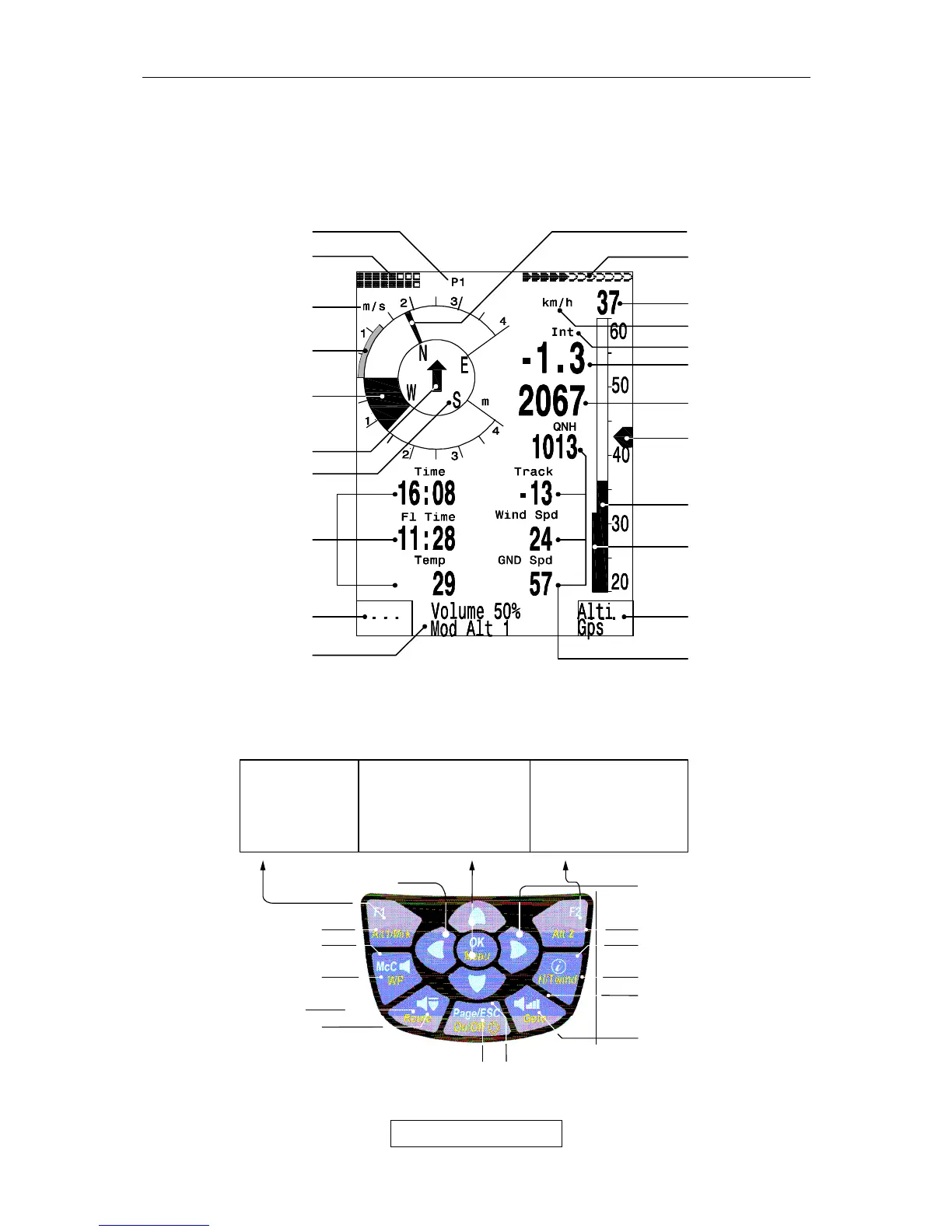
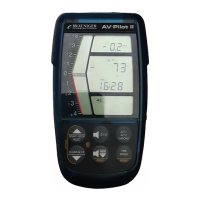
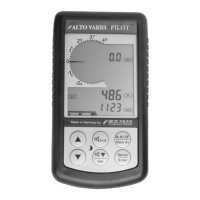
Brauniger IQ-Compeo+ - Keypad and summary of display screen; Arrow key functions in normal mode

Brauniger IQ-Compeo+
8 pages
Print Icon
To Next Page IconTo Next Page
To Previous Page IconTo Previous Page
Loading...
Bräuniger IQ-COMPEO+
2 / 8
1.1 Keypad and summary of display screen
GPS
-
Receiv. On/Off
McCready Sound
On/off
Sink tone On/off
Routes
-
selection
Zero Alt A2
volume
Menu
confirming
of actual
coordinates
WP
-
selection
on/off Switch
(off=keep pressed for 3 sec.)
at Menue mode
1 Step back
Displ
a
y option :
Instruments / GPS
-
Map
Standard fonts =
s
hort pressing
Boldface fonts =
long
-
pressing
Arrow key functions in normal mode
Change of
user
defined
pages
INFOFELD at Display
Nxt ----
Fnc Mod A1↑↓ QNH/Gps
Mod A2↑↓ SET0
S.Thr –0.8 SNK OFF/ON
HT auto Man Wnd
Selection of
user selectable
fields
McCready
point
er
Speed unit
GPS
-
DOP/
intens.
Satellites
Digital Speed
Digital
V
ario
heigh
t
Speed to
fly
User
selectable
fields
Stallspeed Limit
Function of
key F2
Info
line
Info
line 2
Function of
Key F1
user
Selectable
fields
compass
Direction to WP
Analogue
Vario
T
specific day
climb
V
ario unit
battery status
page number
Analog Spe
ed
V
ariomode

Related product manuals