1
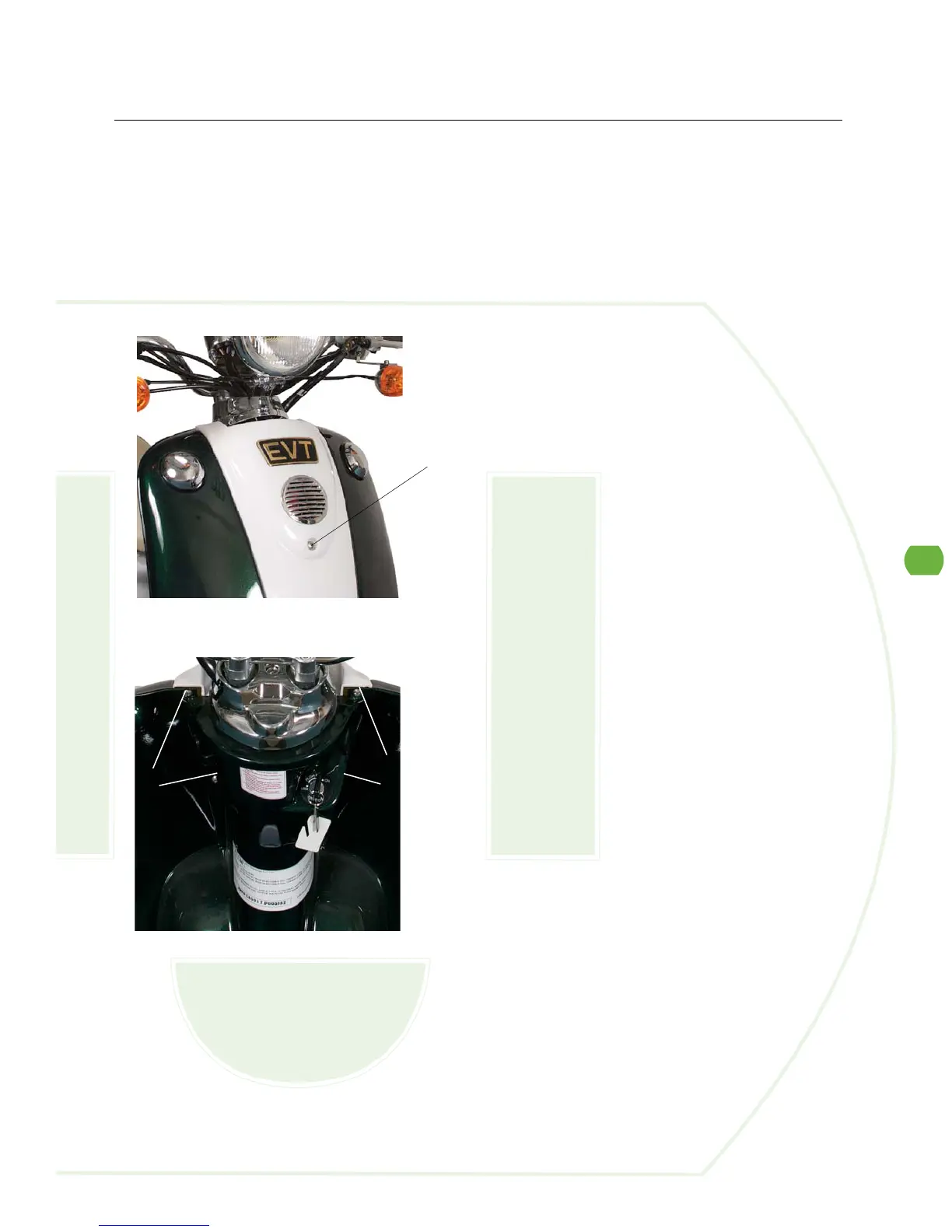
Front Cover
1. Release the screw on the front cover.
2. Release four screws on the back of the front cover.
3. Remove the front cover.
4. Follow with the reversed steps to restore.
Tools Required: Phillips screwdriver
Time: Allow 10 minutes for procedure


 To Next Page