18
RADIO OPERATION
Preset tuning - Recalling a preset station
A total of 30 preset stations on the (FM-18, AM-12) band are available in the unit’s memory. Press [ ] or [ ] on the remote control to
recall a preset station.
Auto store
Auto store is a function for storing up to 6 stations. If 6 stations with good reception cannot be received, the previous stored stations (if
they exist) remain as they are.
1. Press the [BAND] button to select the desired band (FM1-FM2-FM3-AM1-AM2).
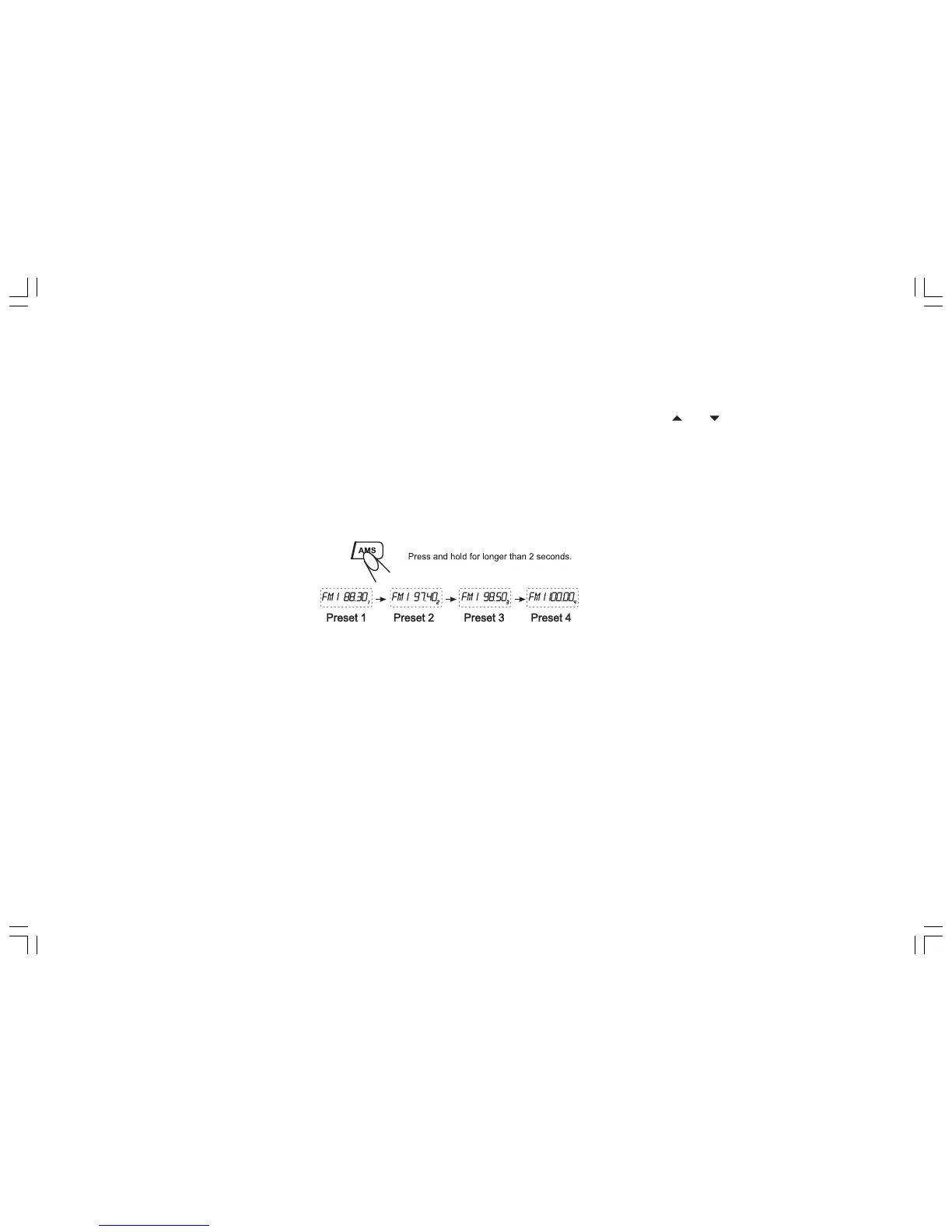
2. Hold down the [AMS] button for 2 seconds or longer. The stations with good reception are stored automatically.
Manual store
In radio mode, press the SEEK-/SEEK+ button on the remote control to scan stations. When your desired stations are searched, long
press the digit [1-6] to store.
RDS (RADIO DATA SYSTEM) OPERATION
The RDS data are the PI, PS, TP, PTY, TA and AF DATA.
PI: Program identification Code for identifying program.
PS: Program Service Name Broadcast station name data expressed in alphanumerically character.
TP: Traffic Program identification data for traffic information broadcasting.
PTY: See “Using PTY to select Program” on the next page.
TA (Traffic Announcement): function enabling the broadcast of traffic information.
AF (Alternative Frequencies): function enabling automatic search for the best alternative frequency available.


 To Next Page