8
- remove the used battery from the remote control
(21) and dispose of it.
• When you use the remote control, direct it to the front
part of the fan body.
• The distance between the remote control and the fan
should not exceed 5 m, the coverage angle should
be up to 30 degrees.
• Avoid exposing the receiver to direct sunlight,
otherwise false activation of control commands is
possible.
• If you do not use the Remote Control (21), place it on
the upper part of the Body (5).
FAN USAGE
• Use the Carrying Handle (6) to transport the fan.
• Place the fan Base (1) on a at, dry and steady
surface.
• Do not place the fan on soft surfaces, such as
carpets with high pile, sofas, or beds.
• Insert the power plug into the mains socket.
Switching the fan on/o and selecting the airow
speed
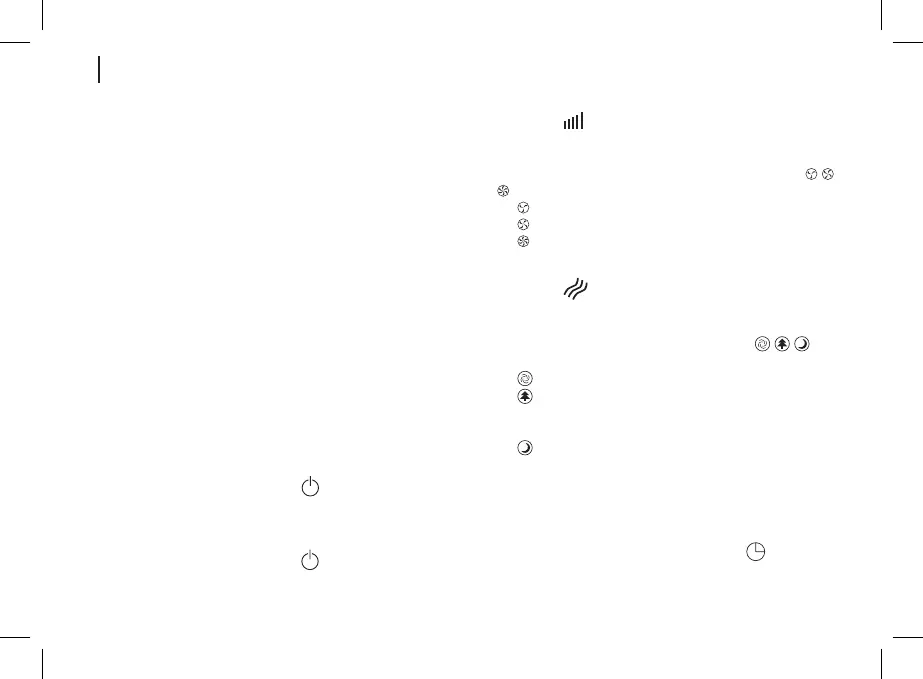
• To turn on the fan, press the «
» «ON/OFF» Power
Button (7) on the Control Panel (4) or the «ON/OFF»
button (15) on the Remote Control (21) - the fan will
turn on.
• To turn o the fan, press the «
» «ON/OFF» Power
Button (7) on the Control Panel (4) or the «ON/OFF»
button (15) on the Remote Control (21) a second
time - the fan will turn o.
• Press the «
» «SPEED» (8) on the Control Panel
(4) or the «SPEED» buttons (16) on the Remote
Control (21), you can select the mode of airow to be
displayed on the Indication Panel (3) through the « -
- » indicators (12):
- « » low airow speed;
- « » medium airow speed;
- « » high airow speed.
Selecting the airow type
• Press the «
» «BLOW» button (9) on the Control
Panel (4) or the «BLOW» button (18) on the Remote
Control (21), select the airow type.
• The airow type is displayed through the «
- - »
indicators (14) on the Indication Panel (3):
- «
» - standard fan operation;
- «
» - natural wind imitation mode; the airow
speed changes sporadically from soft breeze to
strong gust of wind;
- «
» - silent mode, the airow speed will increase
and decrease gradually.
Note: to turn on the silent mode using the Remote
Control (21) press the «SILENT BLOW» mode (19).
Fan operation time timer
• To set the fan operation time, press the «
»


 To Next Page