4
|
VPULSE Connect User's Guide
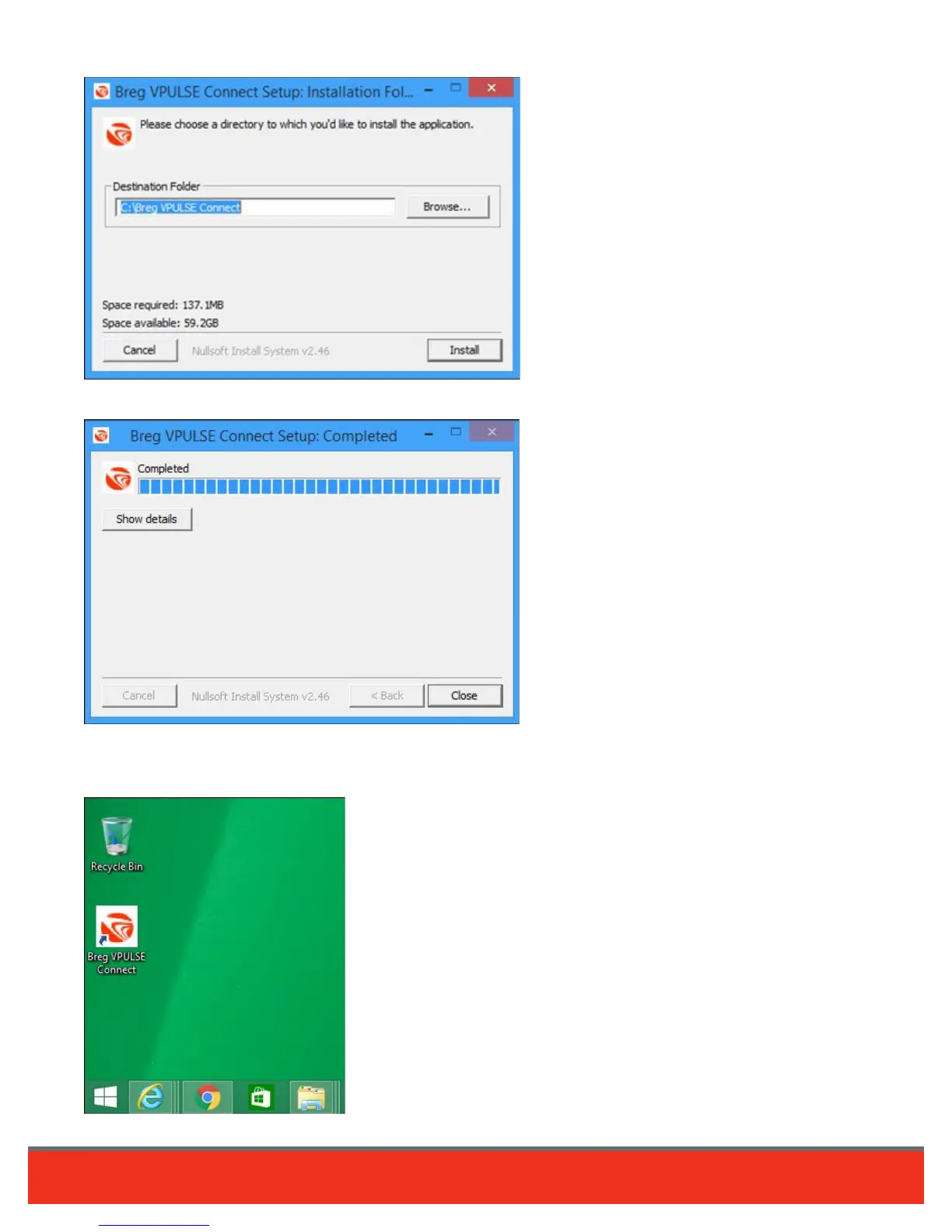
4. Install software. Browse and choose an Install location, then click “Install.”
After the installation has completed click the “Close” button on the Installation Window.
5. Locate VPULSE Connect icon. A shortcut icon will be placed on your desktop and a menu group in the Windows
Start Menu. Software will only need to be installed once on a computer and then you can read cards as many times
as necessary.





 To Next Page