19
GB
Troubleshooting
Error Solution
No recognizable
image
• Turn on light
• Readjust focus
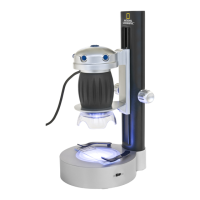
Image ickers (while
observing with
MicrOcular)
= Monitor refresh
rate not adequate
• If necessary, inc-
rease resolution
of graphics card
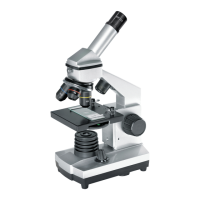
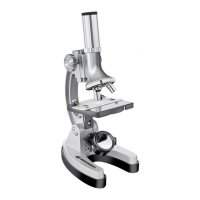
Make sure your microscope has a long
service life.
Clean the lens (objective and eyepiece) only
with the cloth supplied or some other soft lint-
free cloth (e.g.microbre). Do not press hard
as this might scratch the lens.
Ask your parents to help if your microscope
is really very dirty. The cleaning cloth should
be moistened with cleaning uid and the lens
wiped clean using little pressure.
Make sure your microscope is always protec-
ted against dust and dirt. After use leave it in
a warm room to dry off. Then install the dust
caps and keep it in the case provided.



 To Next Page