23
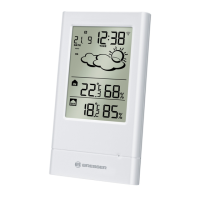
A DISPLAY
Facilitates easy reading of weather forecast, indoor
and outdoor humidity remote and indoors
temperature and calendar clock.
B UP ( ) BUTTON
Increases the value of a setting.
Selects the pressure or calendar reading and toggle
between °C and °F.
C DOWN ( ) BUTTON
Decreases the value of a setting.
Activates the radio signal reception and enforce the
remote channel search function.
D MODE toets
Enters the setting mode for time and date.
E WALL-MOUNT RECESSED HOLE
For mounting the main unit on a wall.
F BATTERY COMPARTMENTS
Accommodates two UM-3 or LR6 (AA) 1.5V
batteries.
GB/IE



 To Next Page