6 | Imprint
6 / 10 Manual_7007600000000_Translucidus_en_BRESSER_v1216
3 SNZ button (snooze function) 4 CH button (channel control)
5 ALARM button (Alarm setting) 6 DOWN button (Value setting downwards)
7 UP button (Value setting upwards) 8 Set button (Basic settings)
9 Battery compartment cover (Base station) 10 Battery compartment (Base station)
11 Display (Remote sensor) 12 Battery compartment cover (Remote
sensor)
13 Battery compartment (Remote sensor) 14 CH button (Channel setting)
15 °C/°F button (temperature format setting) 16 Wall mount
17 Stand, fold-out
Scope of delivery
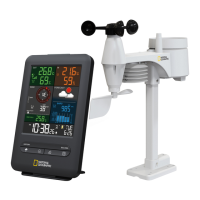
Base station (A), remote sensor (B)
Recommended batteries (not included)
4 pcs. Micro batteries (1.5V, AAA type)
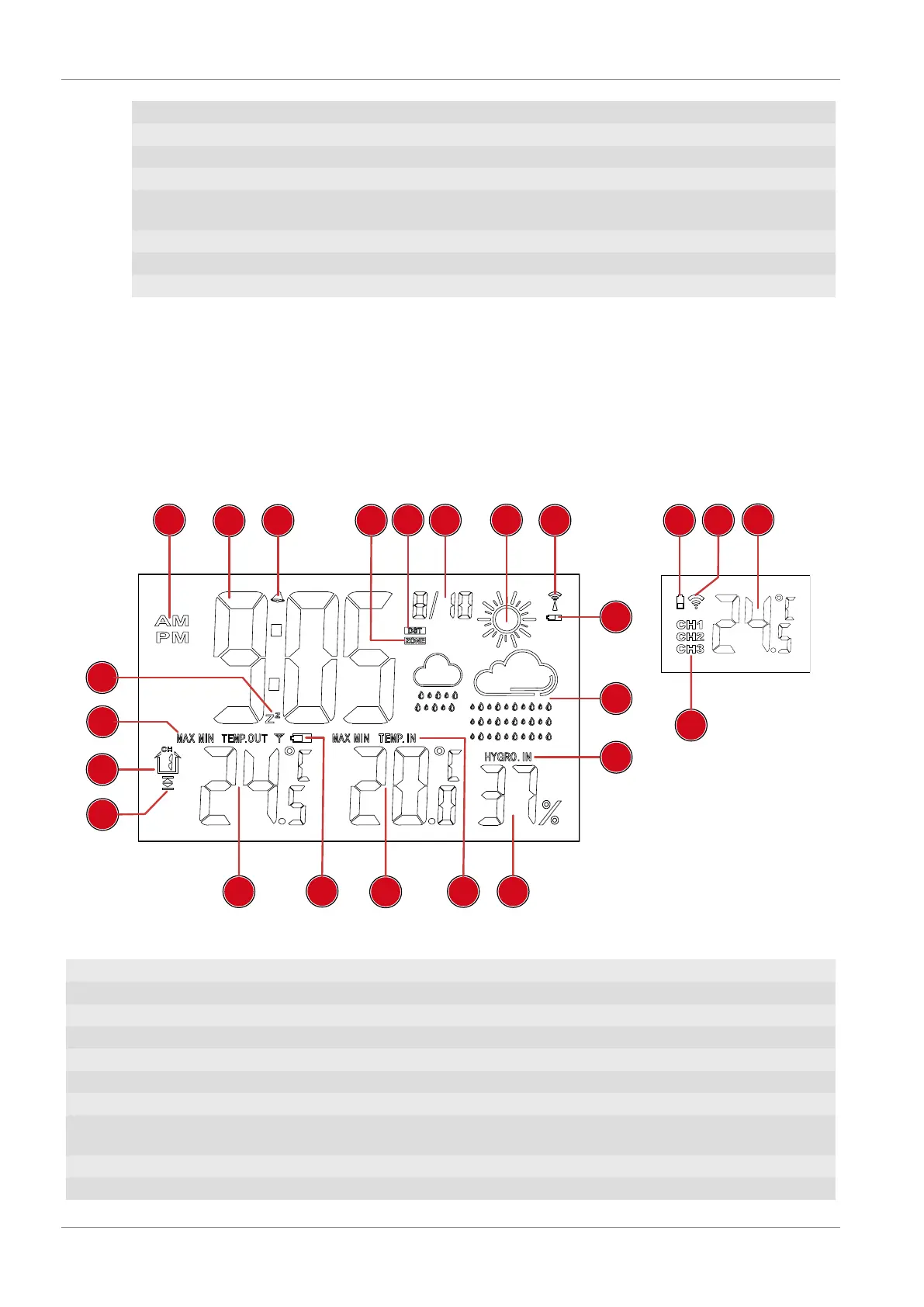
6 Screen display
2
3
6
1
19
17
15
9
8
7
7
10
13
12
11
14
4
5
20
21
22
23
16
18
Illustration2: Screen display for base station (left) and remote sensor (right)
1 AM/PM information in 12-hour time mode 2 Standard: Current time; Alarm: Alarm time
3 Symbol for active alarm 4 Symbol for active time zone
5 Symbol for active daylight saving time (DST) 6 Current date
7 Graphical weather trend display 8 Symbol for radio signal
9 Battery level indicator (Base station) 10 Indoor humidity information
11 Indoor humidity value 12 Indoor temperature information
13 Indoor temperature value 14 Battery level indicator (Remote sensor)
15 Outdoor temperature value 16 Symbol for temperature alarm (highest or low-
est value)
17 Selected channel for remote sensor 18 Outdoor temperature information
19 Symbol when snooze function is activated 20 Battery level indicator (Remote sensor)



 To Next Page