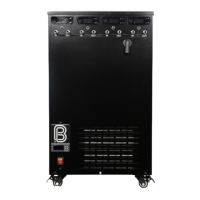
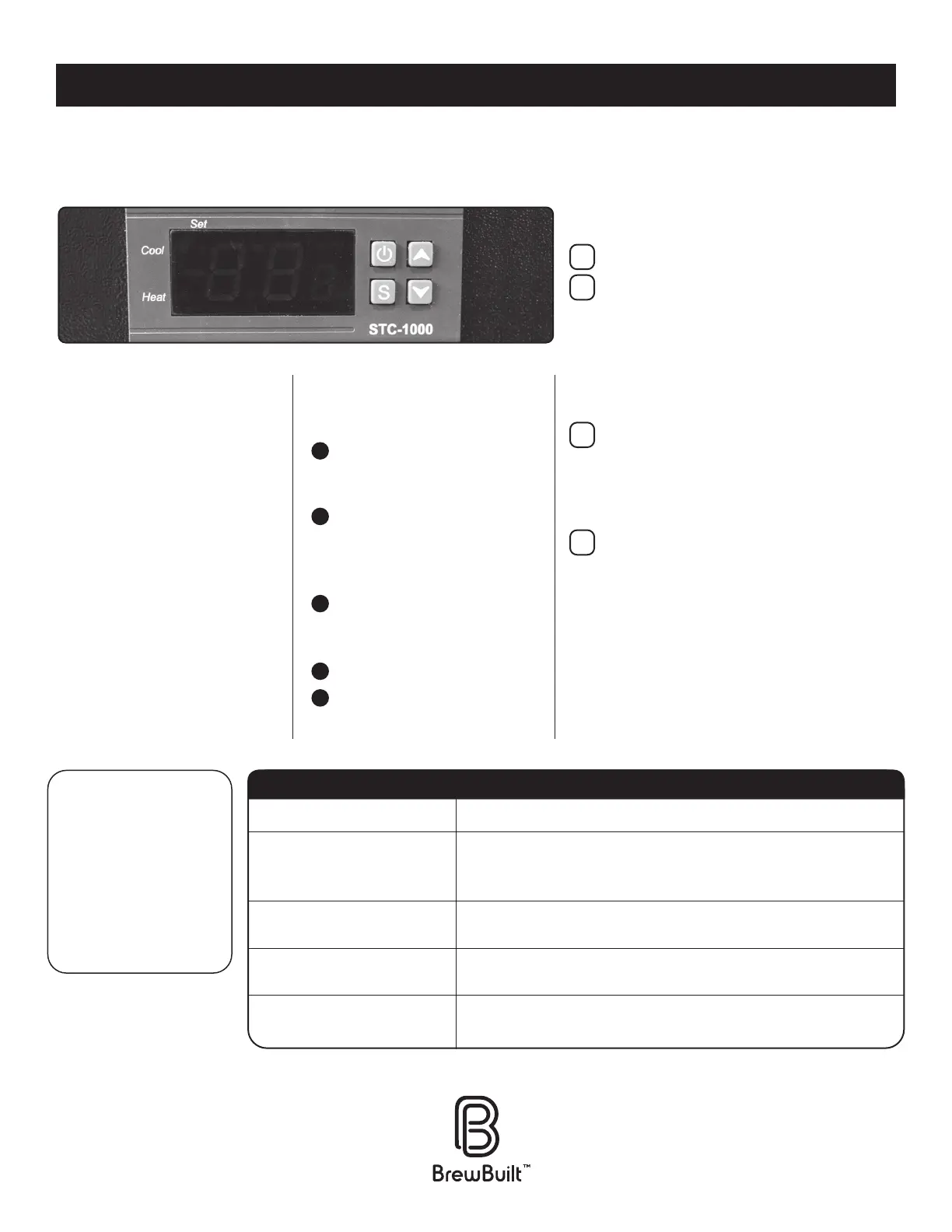
The ice bath temperature controller (found on the opposite side of the pump controllers, just
below the upper vents) has several functions to help maintain ideal conditions to control your
fermentations.
THE CONTROLLER UNIT ITSELF THE CONTROLLER UNIT ITSELF
IS FAIRLY STRAIGHTFORWARD, IS FAIRLY STRAIGHTFORWARD,
BUT IT’S STILL A GOOD IDEA BUT IT’S STILL A GOOD IDEA
TO GET FAMILIAR WITH THE TO GET FAMILIAR WITH THE
BUTTONS/FUNCTIONS.BUTTONS/FUNCTIONS.
THE DESIRED TEMPERATURE SETTING
THE +/- TEMPERATURE RANGE
IceMaster will cycle on/o to keep its
temperature within the set range of the
set temperature - example: if you set the
temperature at 5°C with +/- 0.5 the unit will
cycle on/o over a 1°C range at 4.5°C and
5.5°C. The lowest setting is 0.3°C.
COMPRESSOR DELAY TIME IN MINUTES
This feature protects the unit from turning on/
o too quickly, and potentially damaging the
compressor. The range is from 1-10 minutes
with the default set at 3.
CALIBRATES THE ICEMASTER AGAINST AN
ACCURATE THERMOMETER
Generally, the unit does not need any
additional calibration. However, to nd
the correct adjustment - place an accurate
thermometer in the unit and compare against
the controller readout. If needed, set the
calibration on the controller +/- by the number
of degrees it is o. This will ensure the unit is
adjusting to your desired temperature properly.
TO MAKE CHANGES TO ANY
OF THE FUNCTIONS
Hold down the S button until
F1 shows on the controller,
release the button.
Select the desired function by
clicking the UP or DOWN arrows
until the controller shows the
correct function number.
Press & hold the S button while
using the UP/DOWN arrows to
adjust to your desired setting.
Release the S button.
And nally, press the POWER
button to lock in the setting.
FUNCTION SETTINGS
FUNCTION CHANGES
CONTROLLER BASICS
f1
f2
f3
f4
• To turn on/o - hold the POWER
button down for few seconds.
• The readout on the controller will
show the temperature (Celsius) of
the liquid inside the IceMaster.
• To check the temperature setting
- press & hold the UP arrow.
• To check the dierential
(+/- range from the set temp) -
press & hold the DOWN arrow.
MAINTENANCE/
CLEANING
To ensure the unit
continues to properly
function it is good
practice to dust/clean
the heat exchangers
every 6 months.
IceMaster does not turn on
IceMaster does not seem
cold enough
IceMaster shuts o/on
too oen
IceMaster is always on
IceMaster seems to make
too much noise
Check temperature setting by placing a thermometer inside reservoir.
Check aer 30 minutes & compare against set unit temperature.
Calibrate with F4 function on controller as needed.
Check set temperature range. Adjust F2 function on controller
to a higher range.
Ambient room temperature is too high, so unit is working harder
to cool to set temperature.
Humming is normal and gurgling sounds are caused by cooling
liquid used by the unit. The unit may not be not level.
Check circuit breaker or fuse ; Check plugs.
TROUBLESHOOTING
Icemaster Temperature Controller Settings
1
2
3
4
5


 To Previous Page
 Loading...