o. Click any of the Apply Changes buttons.
After several seconds, the screen will
refresh.
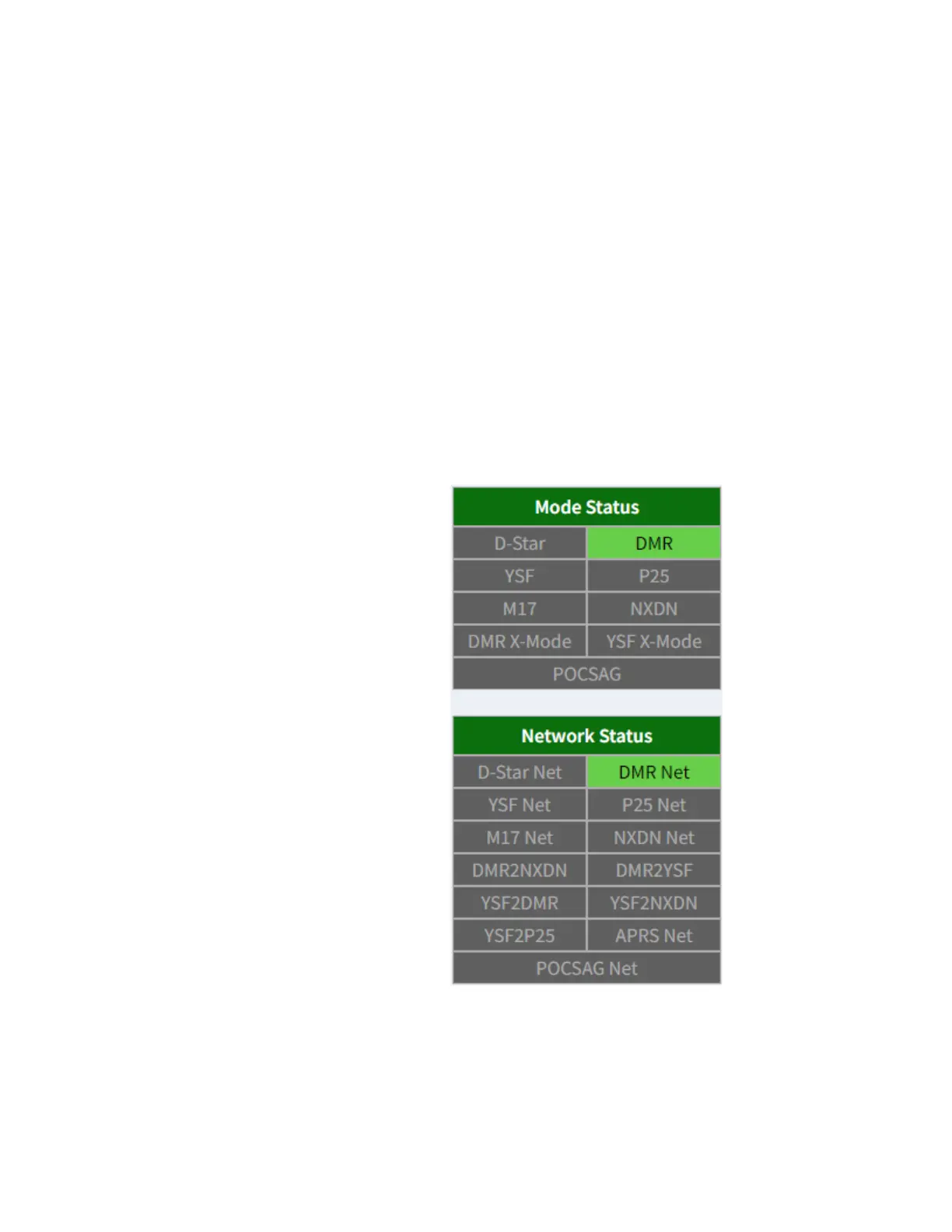
p. Click Dashboard at the top of the page.
This will take you to the main dashboard
page. If everything is configured correctly,
DMR and DMR Net should now be green
as shown below.
i. If DMR Net is red, there is likely an
invalid DMR ID entered.



 To Next Page