WiFi Configuration
The SkyBridge can be configured to connect to the
internet through a WiFi connection. To set this up, follow
the steps below.
1. Follow steps 3-5 in the Initial Setup section of this
quickstart guide to log in to your SkyBridge.
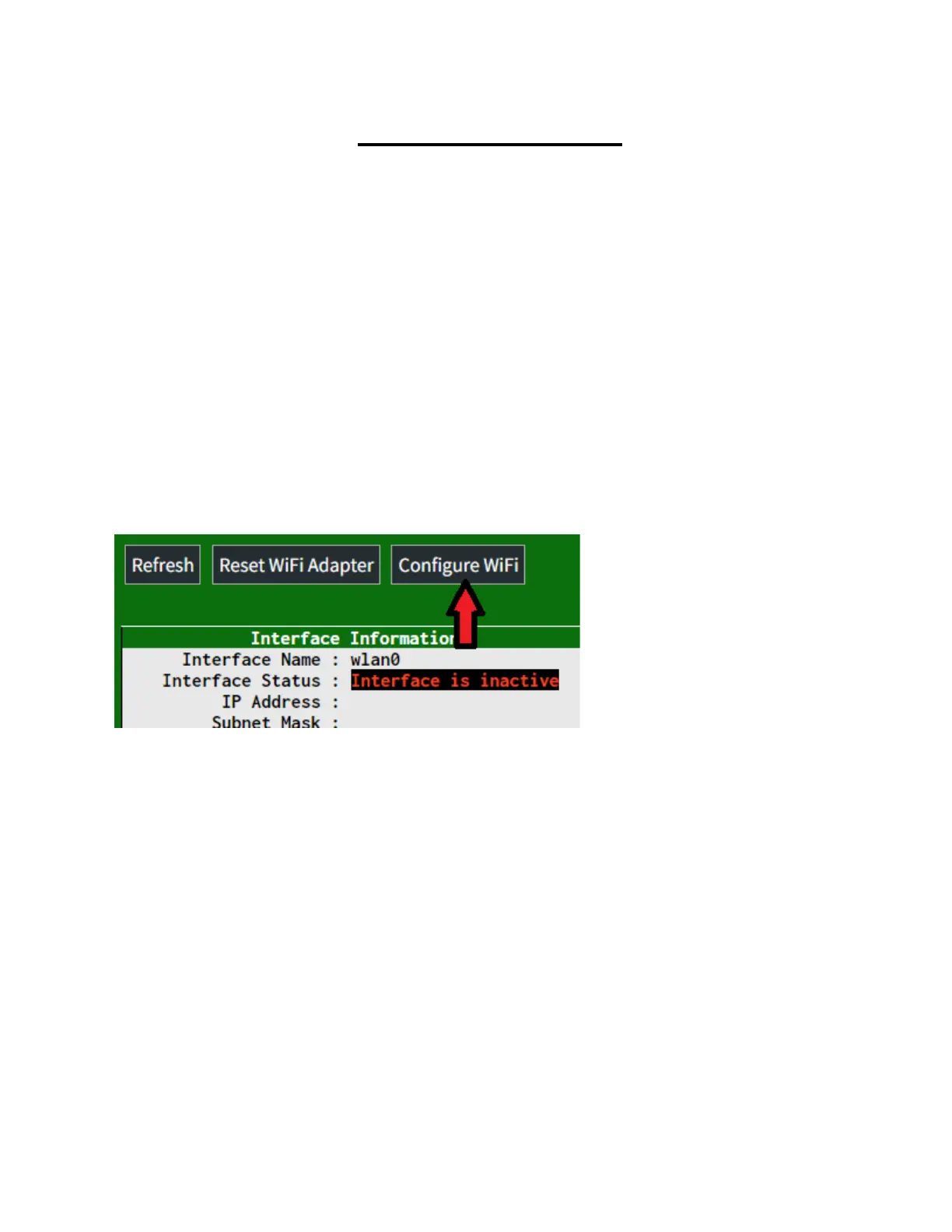
2. Scroll down to Wireless Configuration and click the
Configure WiFi button.
3. If the WiFi connection is active, and the SkyBridge is
within range of it, click the Scan for Networks (10
secs) button. This will take 10 seconds to scan for
available networks nearby. Click the Select button
next to your network name. This will cause a network
to appear at the top. If configuring your wireless
network manually, click the Add Network button to
manually type it.



 To Next Page