a. Scroll to the top of the page and click Power.
b. Click the button under Reboot.
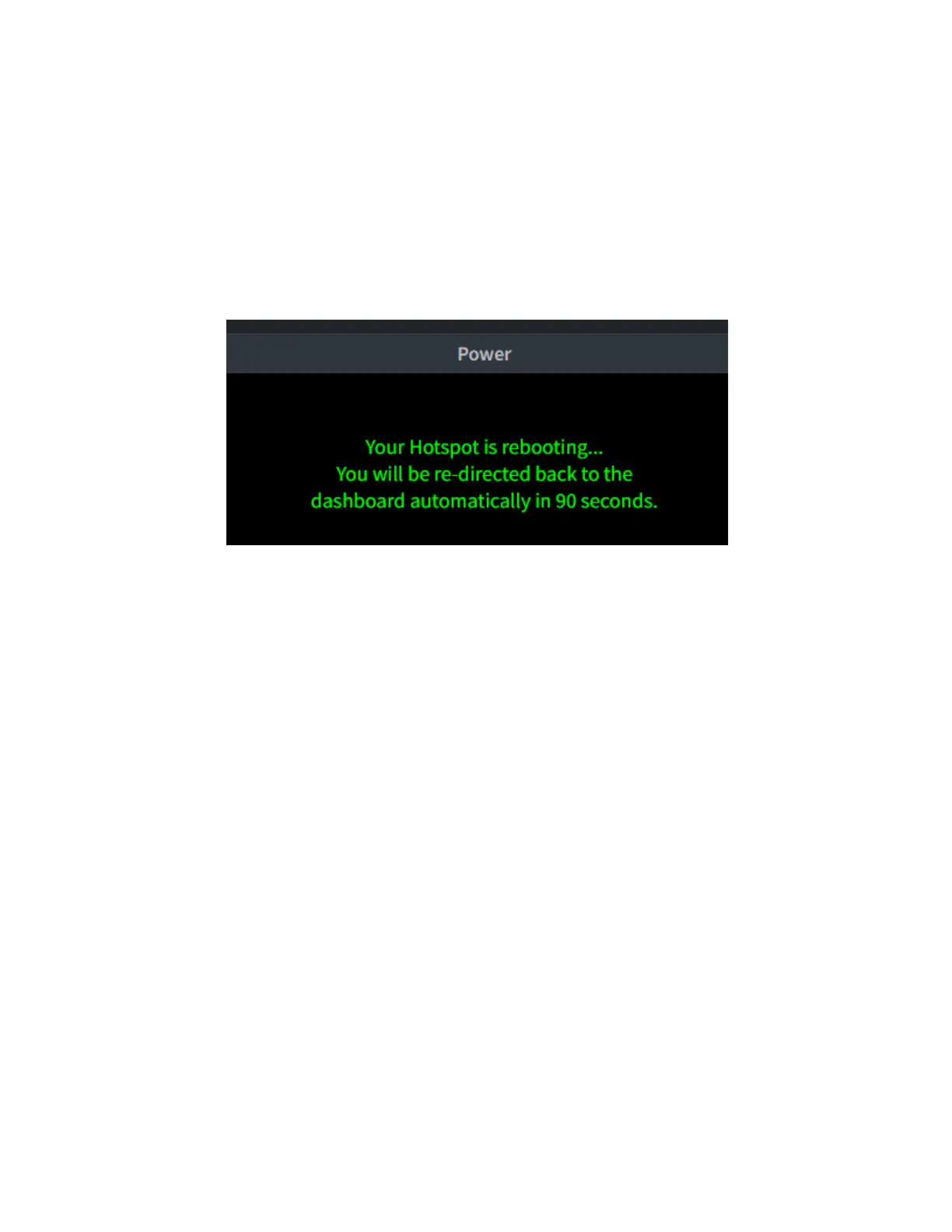
c. A message will appear indicating that your
Hotspot is rebooting.
d. Note that your IP address will change once
connected to the WiFi network, so you will need
to look at your SkyBridge screen to determine
the new IP address. You will be able to log in to
your SkyBridge from a computer connected to
the same WiFi network as the SkyBridge. (This
includes your smartphone if using it to supply a
WiFi connection.)
6. Repeat steps 1-4 in this section for each WiFi
network.



 To Next Page