Initial Setup
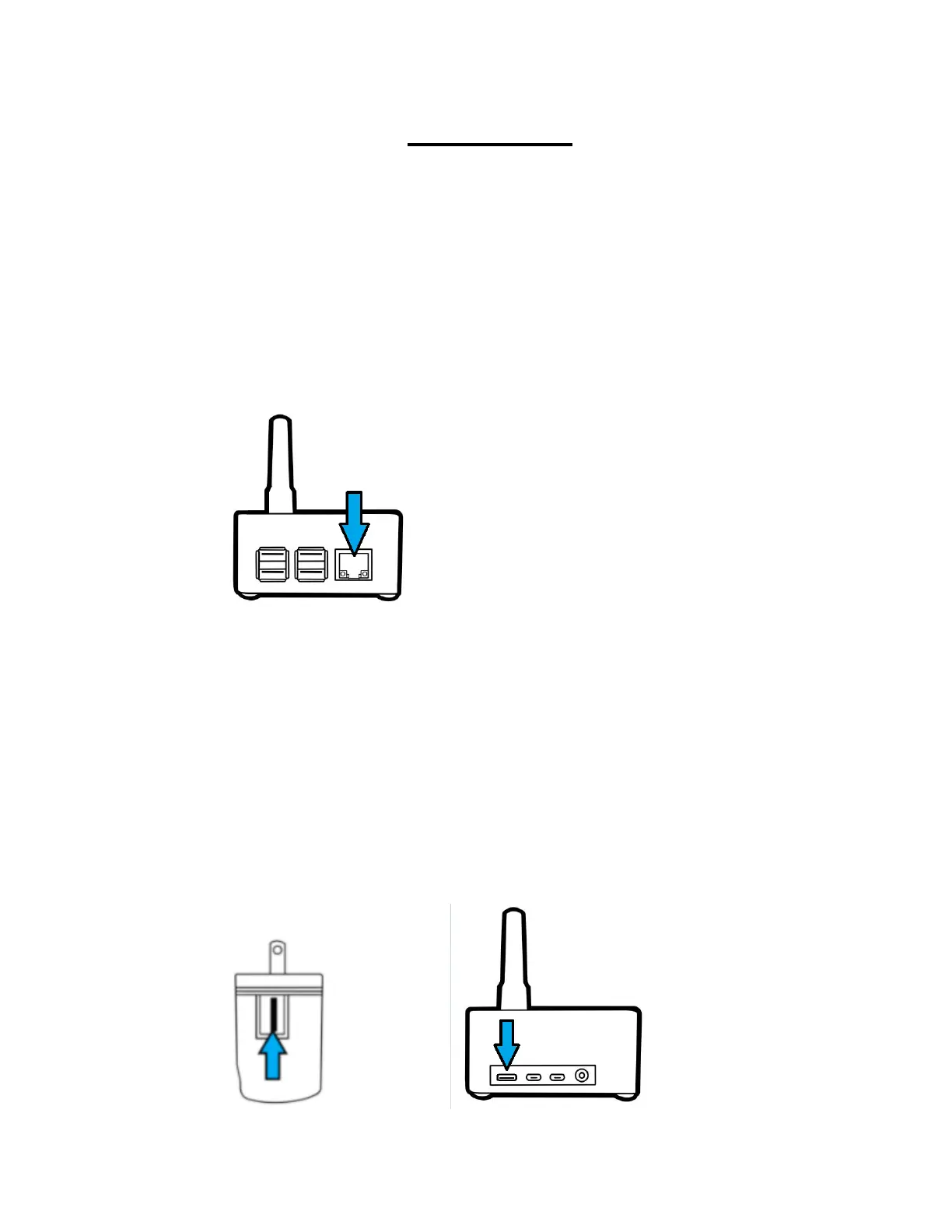
1. Screw the included antenna into your SkyBridge
and plug one end of the provided Ethernet cable
into the RJ-45 port on the side. Plug the other
end into your network switch/router. The
SkyBridge needs an active network connection
with internet access to fully boot.
2. Plug the power brick into the wall, plug the large
end of the USB-C cable into the power brick,
and plug the small end of the cable into your
SkyBridge. After displaying a brief splash
image, your SkyBridge will display
initializing… for several seconds.



 To Next Page