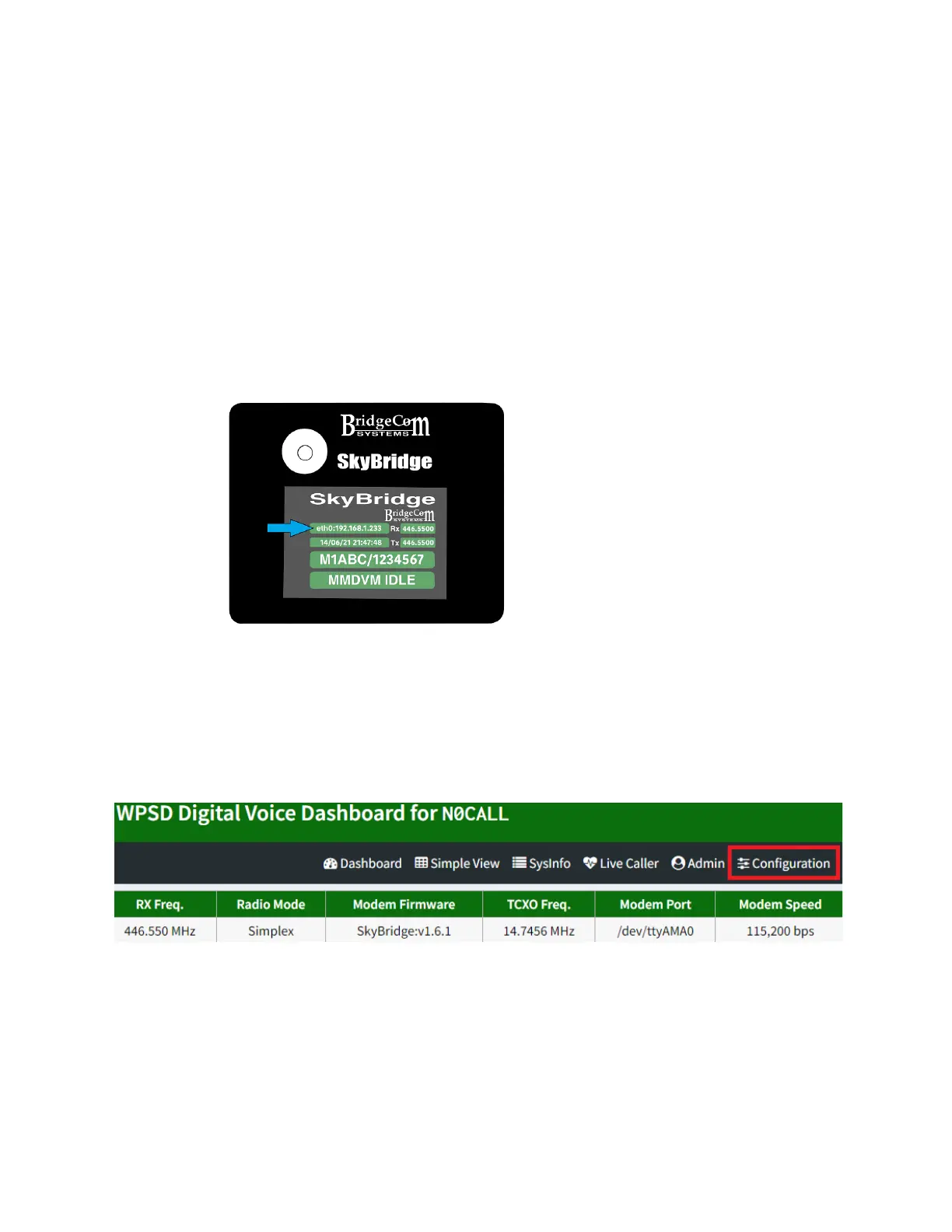
3. The screen on your SkyBridge will now populate
with information. Note the IP address displayed
in the upper-left corner. On a computer or
smartphone connected to the same local network
as the SkyBridge, type this number into your
internet browser.
4. You will be directed to the dashboard page as
shown below. Click Configuration.
5. You will likely be prompted for a username and
password. Enter pi-star as the username and
raspberry as the password.



 To Next Page