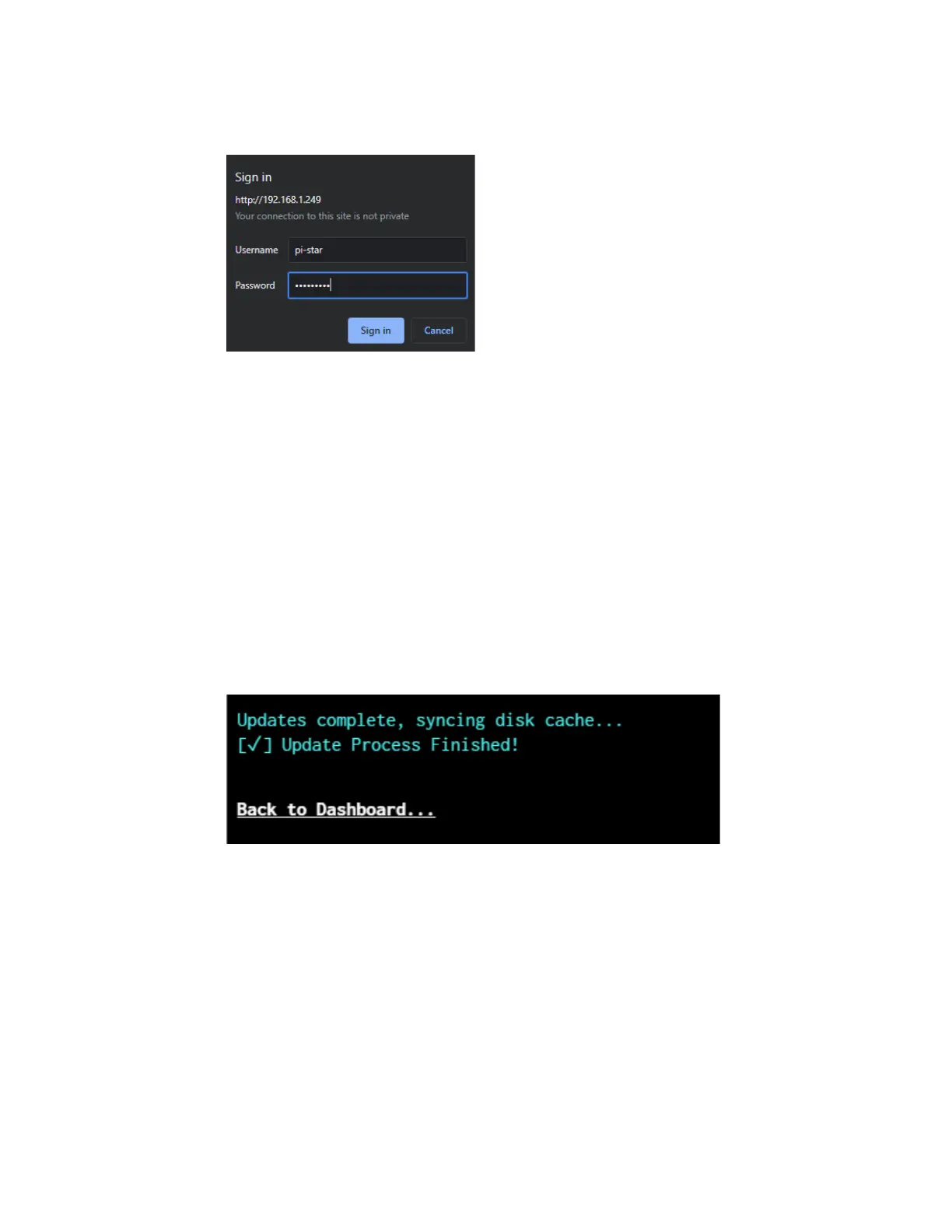
6. If entered correctly, you will be directed to the
configuration page. It is recommended to run an
update before configuring. Do this by clicking
Update at the top of the screen. You will be
taken to a page with a console output window
that will automatically perform the update. Wait
until the text indicates that updates are finished.
Scroll to the top of the page and click
Configuration.
7. Many of the settings have been pre configured as
part of the stock SkyBridge setup and do not
need to be adjusted. However, there are settings



 To Next Page