EasyManua.ls Logo

Brigade MDR-504GW-500 - User Manual

Brigade MDR-504GW-500
92 pages
Print Icon
To Next Page IconTo Next Page
Loading...
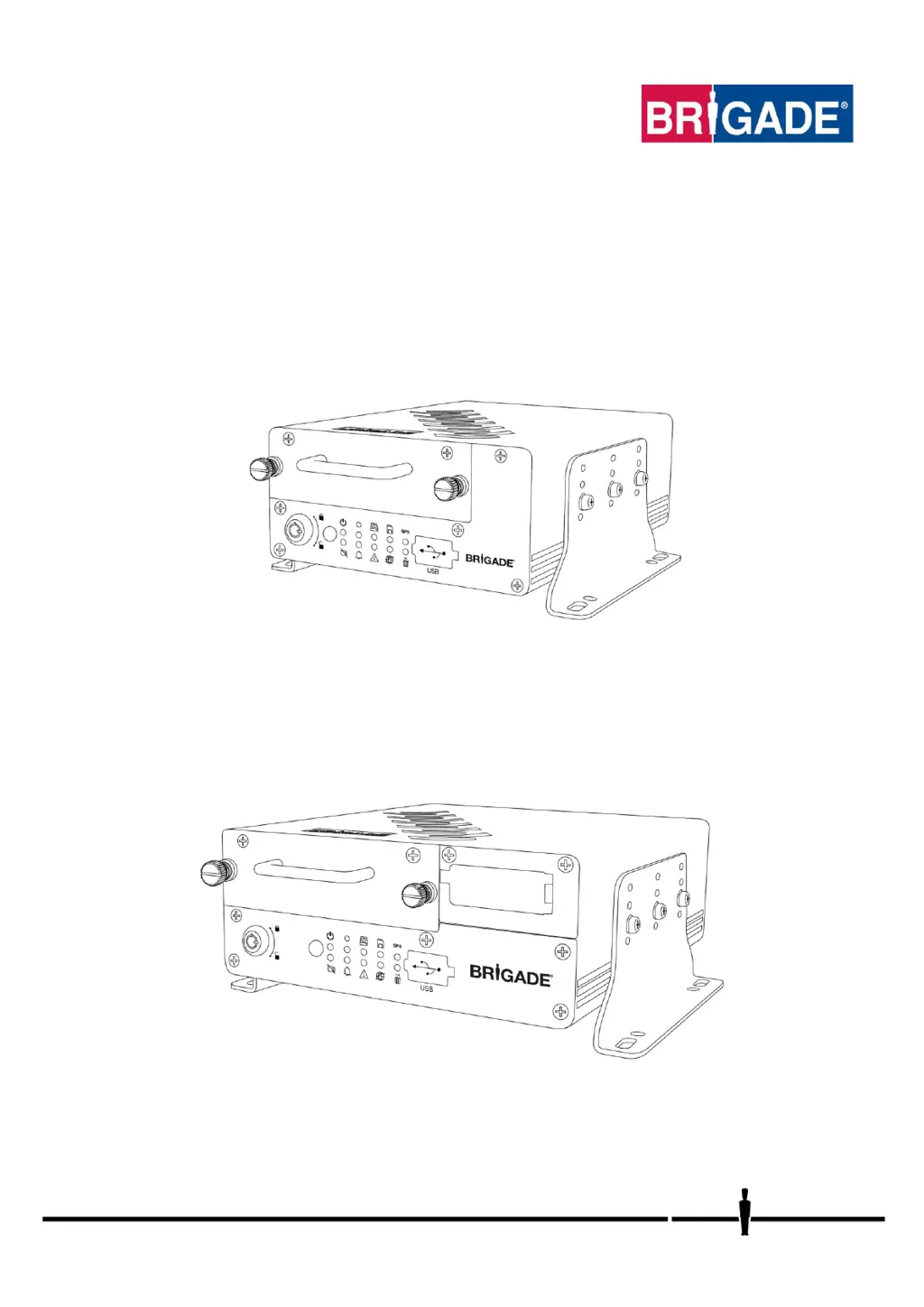
Installation Guide 5145
Mobile Digital Recorder
MDR-504GW-500
MDR-504G-500
MDR-504W-500
MDR-504-500
MDR-508GW-1000
MDR-508G-1000
MDR-508W-1000
MDR-508-1000
Installation and Operation Guide
Please refer to www.brigade-electronics.com for most up-to-date data on all products

Table of Contents

Questions and Answers

  • J
    Jared AndersonAug 7, 2025
    What to do if Brigade Recording Equipment has system power loss?
    • M
      mcdanielkristopherAug 7, 2025
      If your Brigade Recording Equipment experiences a system power loss, consider the following: 1. Replace the vehicle battery if you suspect it's malfunctioning. 2. Activate the Low Voltage protection feature. 3. Check and replace any blown fuses.
  • K
    Kimberly EllisAug 12, 2025
    What to do if Brigade Recording Equipment has data corruption due to power loss?
    • L
      Larry ThompsonAug 12, 2025
      If you're experiencing data corruption on your Brigade Recording Equipment due to power loss, here's what you can do: 1. The MDR is powered for a few minutes after power loss to allow the closure of recording files. 2. Use a UPS accessory to power the MDR for up to 30 minutes, depending on the configuration.
  • M
    Michael MillerAug 16, 2025
    Why is there video loss on my Brigade Recording Equipment?
    • M
      marc70Aug 16, 2025
      If you're experiencing video loss with your Brigade Recording Equipment, here are a couple of things to check: 1. Ensure cables are installed in areas where they cannot be tampered with, if possible. 2. Make sure cable connectors are secure before driving.
  • M
    Matthew BlackAug 20, 2025
    What to do if Brigade Recording Equipment is not recording on SD or HDD?
    • K
      Katherine DavisAug 20, 2025
      If your Brigade Recording Equipment isn't recording on the SD card or HDD, try the following: 1. Make sure the Overwrite feature is turned on. 2. Install a 1 TB HDD or a 256GB SD card.
  • O
    ofullerAug 25, 2025
    How to fix MCU failure on Brigade Recording Equipment?
    • I
      iyoungAug 25, 2025
      If you're experiencing MCU failure with your Brigade Recording Equipment, here are some steps to take: 1. Keep a backup MCU for the vehicle. 2. Use the supplied USB cable. 3. Ensure your PC is fully up to date with Windows updates and drivers are installed.
  • S
    Stephen KerrAug 28, 2025
    What causes docking station failure in Brigade Recording Equipment?
    • R
      Roberto HoweAug 28, 2025
      If you're having trouble with the docking station on your Brigade Recording Equipment, try these steps: 1. Make sure the MCU KEY is locked. 2. Ensure that the wires being used are protected by heat shrink.
  • D
    Daniel EdwardsSep 1, 2025
    Why is my Brigade Recording Equipment failing due to the environment?
    • K
      Karen DaySep 1, 2025
      If your Brigade Recording Equipment is failing due to environmental conditions, the driver should wait a few minutes for the internal heater to heat the HDD to above 0°C – this will then start to record.

Brigade MDR-504GW-500 Specifications

General IconGeneral
BrandBrigade
ModelMDR-504GW-500
CategoryRecording Equipment
LanguageEnglish