14
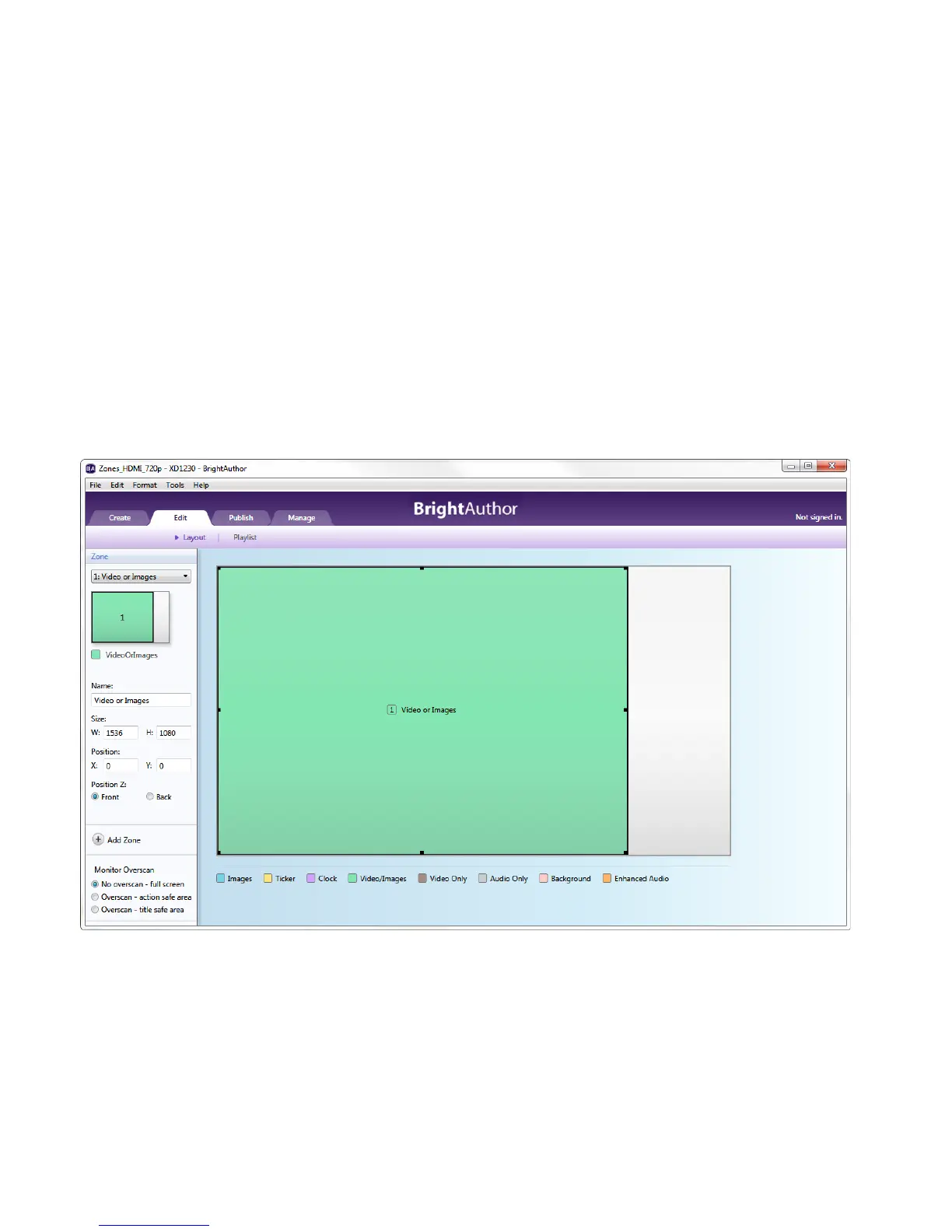
• Video or Images: You can add videos, images, or audio files in this type of zone. If using an HD player, you
can only have one video-enabled zone on screen at a time. If using an XD player, you can have up to two.
• Images: You can add images to this type of zone. Also, you can add as many image zones as you like to a
presentation.
3. Resize the existing zone:
a. Navigate to the Layout screen under the Edit tab.
Resizing the Video or Images zone



 To Next Page