EasyManua.ls Logo

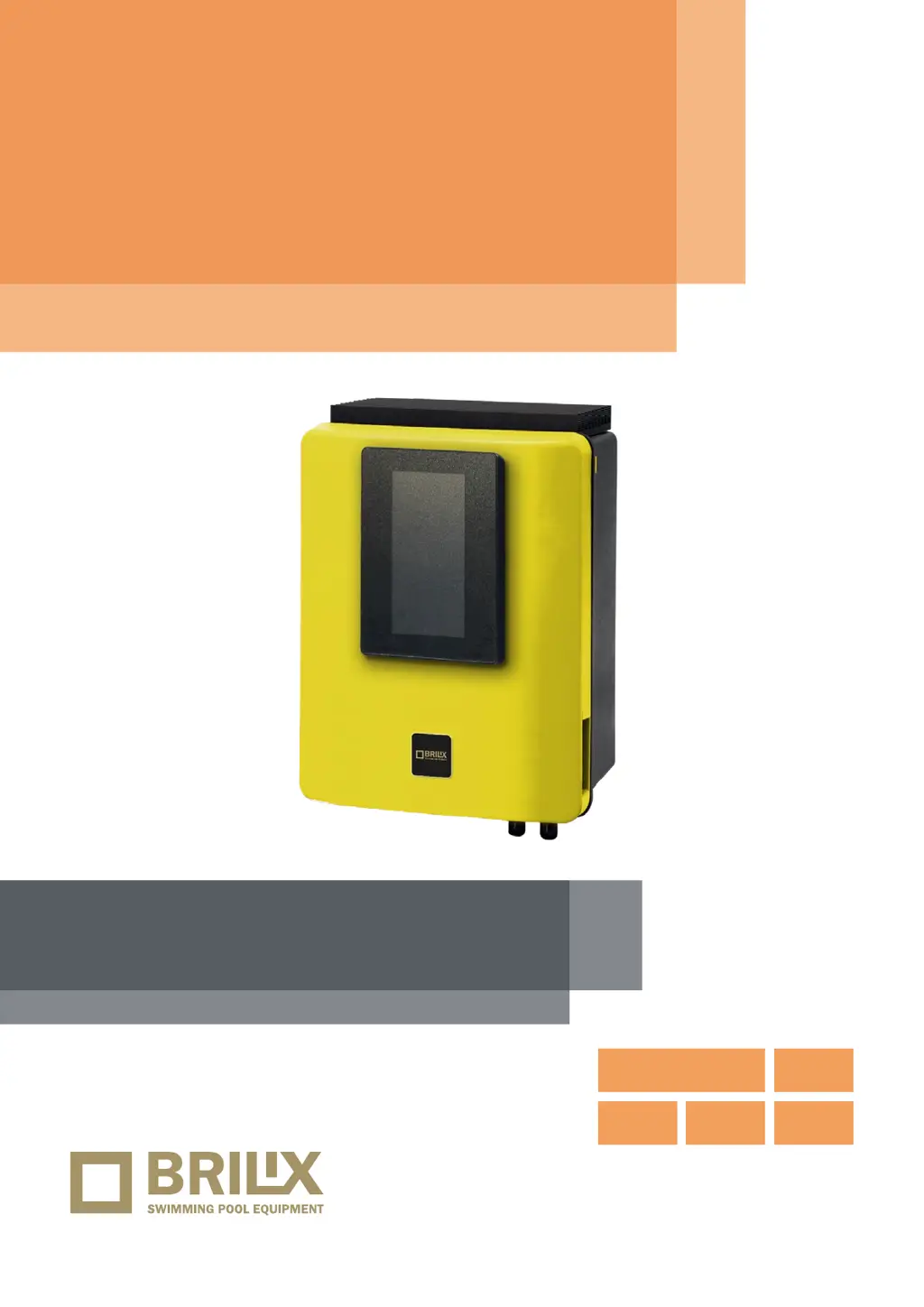
Brilix ALBIXON SAL 16 - User Manual

Default Icon
16 pages
Print Icon
To Next Page IconTo Next Page
Loading...
VERZE 15/09/2022 / REVIZE: 05/01/2023
EN
INSTALLATION
AND USER GUIDE
Control and dosage
equipment
STATION
Portable color
display (TFT)
Upgrade
possible
Worldwide
remote
control
Controls
filtration,
lighting
WIFI and
MODBUS

Questions and Answers

  • D
    denisecookAug 6, 2025
    What to do if the Brilix ALBIXON SAL 16 Lighting Equipment display is blank?
    • K
      Kenneth WilsonAug 6, 2025
      If the Brilix Lighting Equipment displays a blank screen, first check if the ON/OFF switch is illuminated. Then, inspect the connection wire between the display and the motherboard. Also, check the device's 3.15A fuse, as it may have tripped due to an overload. Finally, verify the power supply is correctly set to 110V/60Hz or 230V/50Hz.
  • J
    Joel GrayAug 16, 2025
    Why does my Brilix ALBIXON SAL 16 Lighting Equipment show alarm AL3 and the pH dosing pump stopped?
    • K
      kimberlywestAug 16, 2025
      If the Brilix Lighting Equipment triggers alarm AL3 and the pH dosing pump stops, it may be because the maximum dosing time (typically 200 minutes) has been reached to prevent over-acidification. To clear the message and restart the metering, press ESC. Also, make sure that the pH probe reading is correct; if not, calibrate or replace it. Verify that the acid/base deposit is full and that the dosing pump is functioning correctly. Check the variable speed of the dosing pump.
  • K
    Kenneth HigginsAug 27, 2025
    How to get rid of white flakes in the water with Brilix ALBIXON SAL 16?
    • A
      Allison WilliamsAug 27, 2025
      If you notice white flakes in the water when using your Brilix Lighting Equipment, it could be due to excessively hard and unbalanced water. Correct this by balancing the water. It is also recommended to check the cell and clean it if necessary. You can also put a small bag of flocculant in the skimmer and recirculate for 24 hours.

Summary

Description of Control Station

Electronic Box Components

Details the components housed within the electronic box of the control station.

System Installation Guide

Electrical Consumption Details

Information regarding the electrical power requirements and circuit breaker recommendations.

Maintenance Procedures

General Maintenance Tasks

Regular checks for dosing pumps, probes, and chemical levels for ongoing pool care.

Fortnightly Operational Checks

Recommended bi-weekly checks for Free Chlorine and pH levels.

Troubleshooting Common Issues

Blank Display Troubleshooting

Steps to diagnose and resolve a blank display on the control unit.

Water Clarity Problem Resolution

Addressing white flakes in water, possibly due to hard or unbalanced water.

Pump Alarm and Dosing Issues

How to reset the AL3 alarm and troubleshoot pH dosing pump stoppages.

Electronic Box Specifications

Automatic Control Functions

Unit Dimensions and Measurements

Control Unit Wiring Diagram

Navigating the Main Screen

Button Display Functions

Details the functions and displays of the physical buttons on the control unit.

Touch Display Interface

Explains the interactive elements and information shown on the touch screen interface.

Hydrolysis and Electrolysis Operation

Hydrolysis;Electrolysis Function Programming

Programming of hydrolysis or electrolysis functions based on the specific model.

Production Level Control Settings

Setting the desired production level for chlorine (gr/h) or disinfection (%).

Control Mode Parameter Selection

Selecting the parameter (Free Chlorine or Redox) to control chlorine generation.

Setpoint Adjustment and Calibration

pH Sensor Calibration Procedure

Guide for calibrating the pH probe for accurate water measurement.

Redox Sensor Calibration

Steps for calibrating the Redox probe to measure water sterilization levels.

Calibration of Measurement Probes

Optional Redox Control Calibration

Steps for calibrating the Redox probe and checking free chlorine values.

Free Chlorine Probe Calibration

Procedure for calibrating the free chlorine probe for accurate ppm readings.

Conductivity Probe Calibration

Recommended calibration process for the conductivity probe.

Temperature Probe Calibration

Instructions for calibrating the temperature probe for filtration modes.

Filtration Mode Configuration

Manual Filtration Mode

Manually turning the filtration process ON/OFF without timing functions.

Automatic Filtration Mode

Setting start and end times for filtration cycles within a 24-hour period.

Smart Filtration Mode

Adjusting filtration time based on water temperature with antifreeze option.

Heating Filtration Mode

Timed heating with option to control temperature via relay and hysteresis.

Intelligent Filtration Mode

Guarantees desired water temperature with minimum filtration hours.

Filter Cleaning Operations

Pool Lighting Control

Manual Lighting Control

Manually turning pool lights ON/OFF.

Automatic Lighting Schedule

Setting ON/OFF times for pool lights based on a frequency.

LED Spotlight Color and Pulse

Setting color and pulse length for LED spotlights.

Auxiliary Relay Management

Manual Auxiliary Relay Control

Manually switching auxiliary relays ON/OFF.

Automatic Auxiliary Relay Scheduling

Scheduling auxiliary relays based on timers and frequency.

Timer-Based Auxiliary Relay Use

Programming working time in minutes for auxiliary relays.

Renaming Auxiliary Relays

Customizing names for auxiliary relays to suit specific uses.

System Settings Configuration

Language and Time Settings

Configuring the preferred language and setting the current date and time.

Display Intensity and Screen Settings

Adjusting display brightness and configuring screen behavior.

Sound and Password Protection

Configuring system sounds and setting up password protection.

Cell Hours and System Information

Viewing operation times of modules and system software information.

WiFi Network Configuration

Internet Connectivity Setup

Enabling and configuring the unit's internet connection.

WIFI Network Selection

Scanning and selecting available WiFi networks for connection.

AP Network Name Entry

Manually entering the network name and password for AP connection.

Connection Test Procedure

Verifying that the WiFi connection has been successfully established.

Salinity Measurement and Adjustment

Automatic Pool Cover Integration

Flow Switch Safety Mechanism

Level Sensor (Chemical Tank)

Variable Speed Pump Setup

Variable Speed Pump Installation

Information on installing a Variable Speed Pump with the control unit.

Speed Setting for Filtration Periods

Assigning different speeds (fast, medium, slow) to filtration periods.

Filter Cleaning with Variable Speed Pump

Using the fastest speed for filter cleaning with a Variable Speed Pump.

Brilix ALBIXON SAL 16 Specifications

General IconGeneral
Power16 W
Light sourceLED
Number of LEDs16
Beam Angle120°
CRI>80
Frequency50/60 Hz

Related product manuals