21File format - AVI - Manually recording
Note
During recording time, the screen will not show any images.
Only the red LED will be on , and none of the buttons will work.
Manually Recording
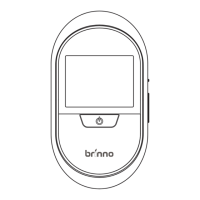
Press the Power button for 1 second.
The Motion Activated Peephole Camera will wake
up and record video. Per activation, it will take 10-
seconds of video.
1.
2.


 To Next Page
 Loading...