26
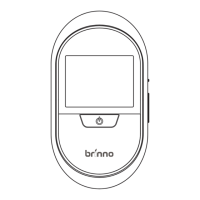
Go to Menu Setting screen
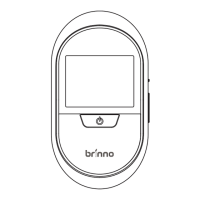
Press the Power button to go to the preview screen, at
the preview screen, hold the Up button for 3 seconds,
and you will go to the menu setting screen.
Go to Menu setting screen
Menu Setting
Motion Activated Screen
File Format
Band Filter
Set Date&Time
Reset
EXIT
V X.XX.X
3 sec
MENU SETTING
Menu Setting
Motion Activated Screen
File Format
Band Filter
Set Date&Time
Reset
EXIT
V X.XX.X
Your selection will be in
orange to indicate.
Note


 To Next Page
 Loading...