16
Using the MyOceSuite™ portal
Using the MyOceSuite™ Portal
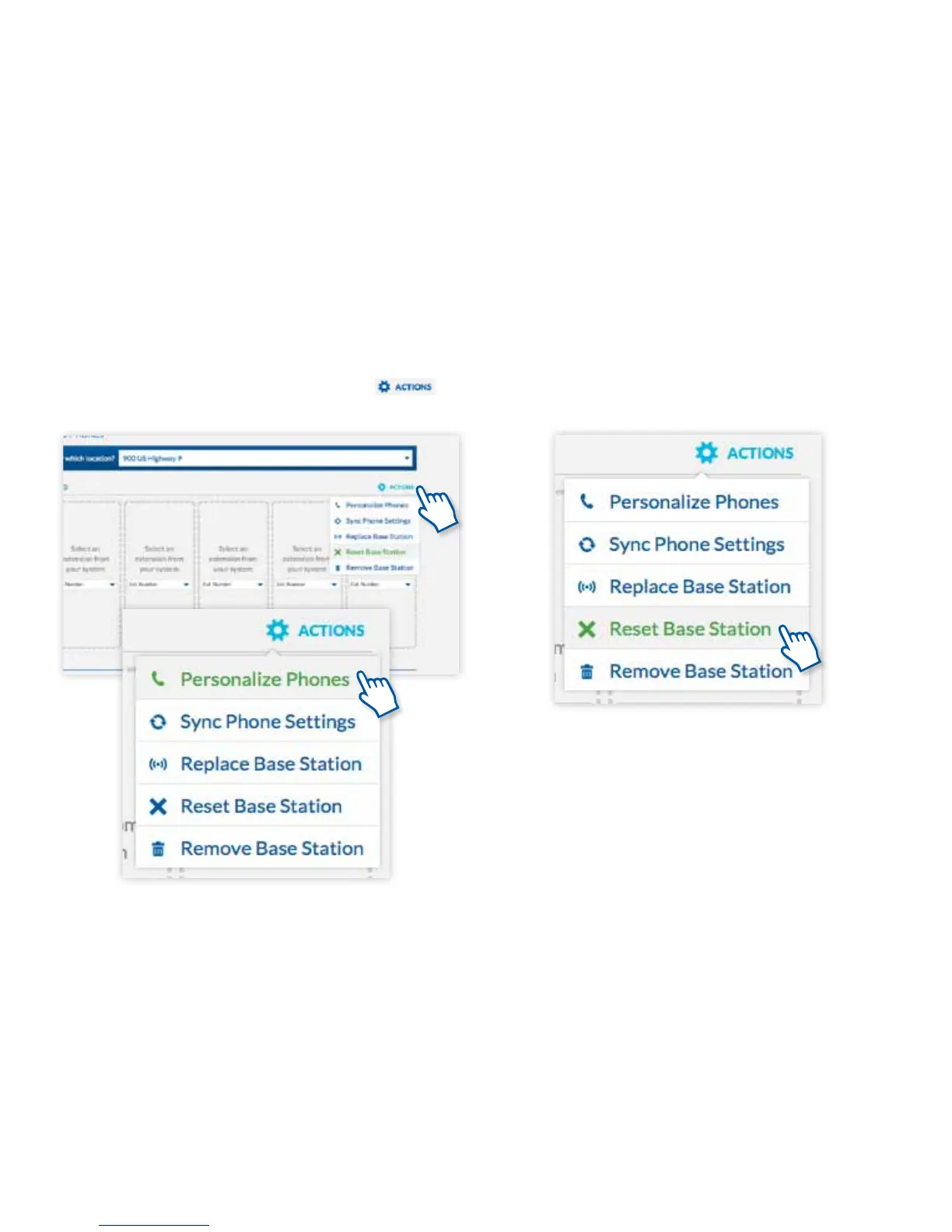
From the same Actions menu, you can also synchronize
phone settings between the server and the base station,
or reset, remove, or replace a base station.
After you assign phones to extensions, you may wish to
personalize them with the name of the person to whom
they are assigned. Press the Actions button
and select Personalize phones.



 To Next Page