23Using Your Phone
SETTING UP YOUR TIME AND DATE
The Time and Date is synchronized automatically with
Broadview’s network. If you would like to edit these
settings manually, press OK. Then select Settings (the
wrench icon). Select Date & Time and select from the
choices presented.
SYSTEM SETTINGS
The System and Status settings found on the phone’s
menu may be used when troubleshooting issues with
a Broadview support representative. DO NOT MAKE
ANY CHANGES TO THESE SETTINGS UNLESS
INSTRUCTED TO DO SO.
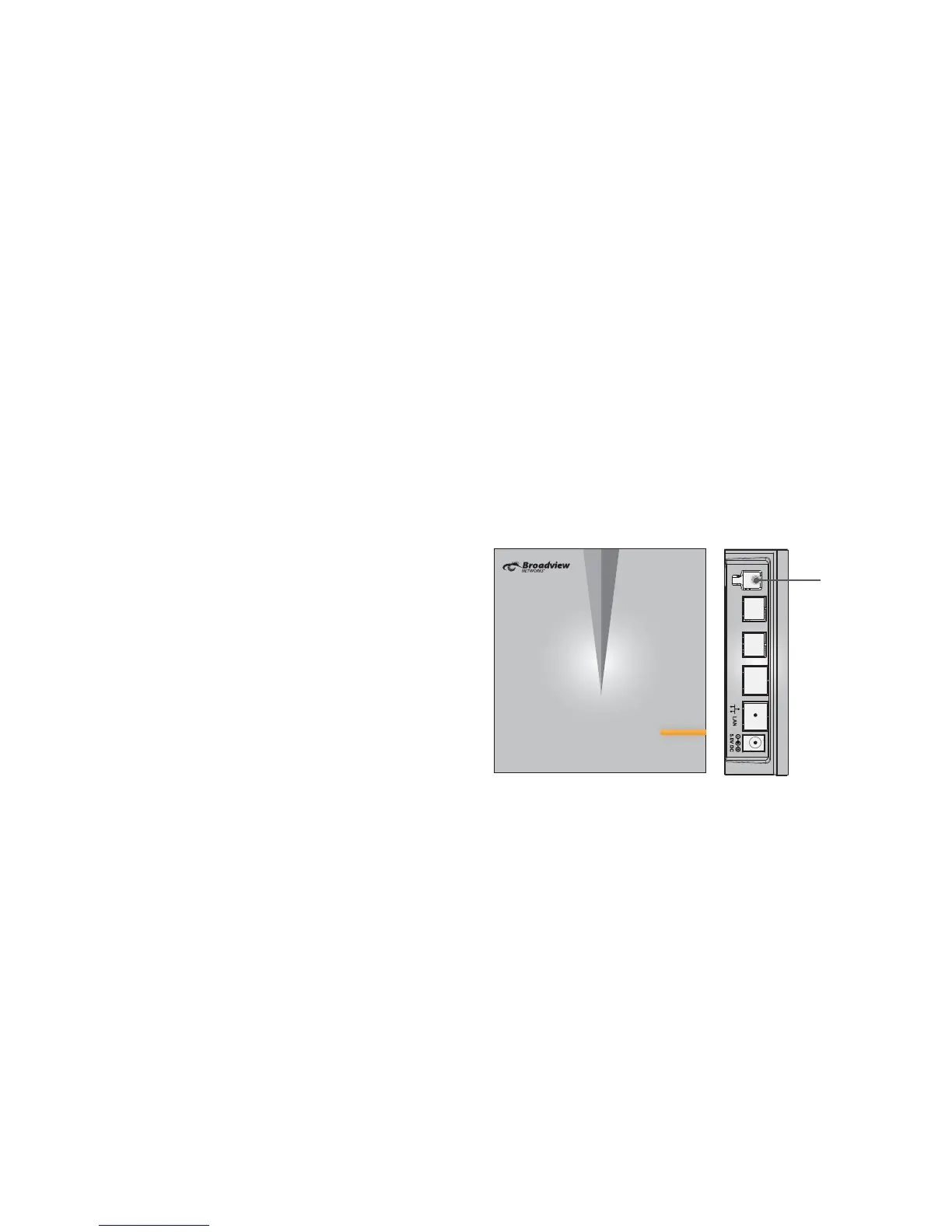
FINDING A MISPLACED PHONE
If you have misplaced a handset, it is easy to page your
phones to nd the handset. Press and release the
Page key (white phone icon) on the side of the base
station. This will ring all handsets.
Note that the phones must have battery power in order
for this feature to work.
Page Key
Base Station



 To Next Page