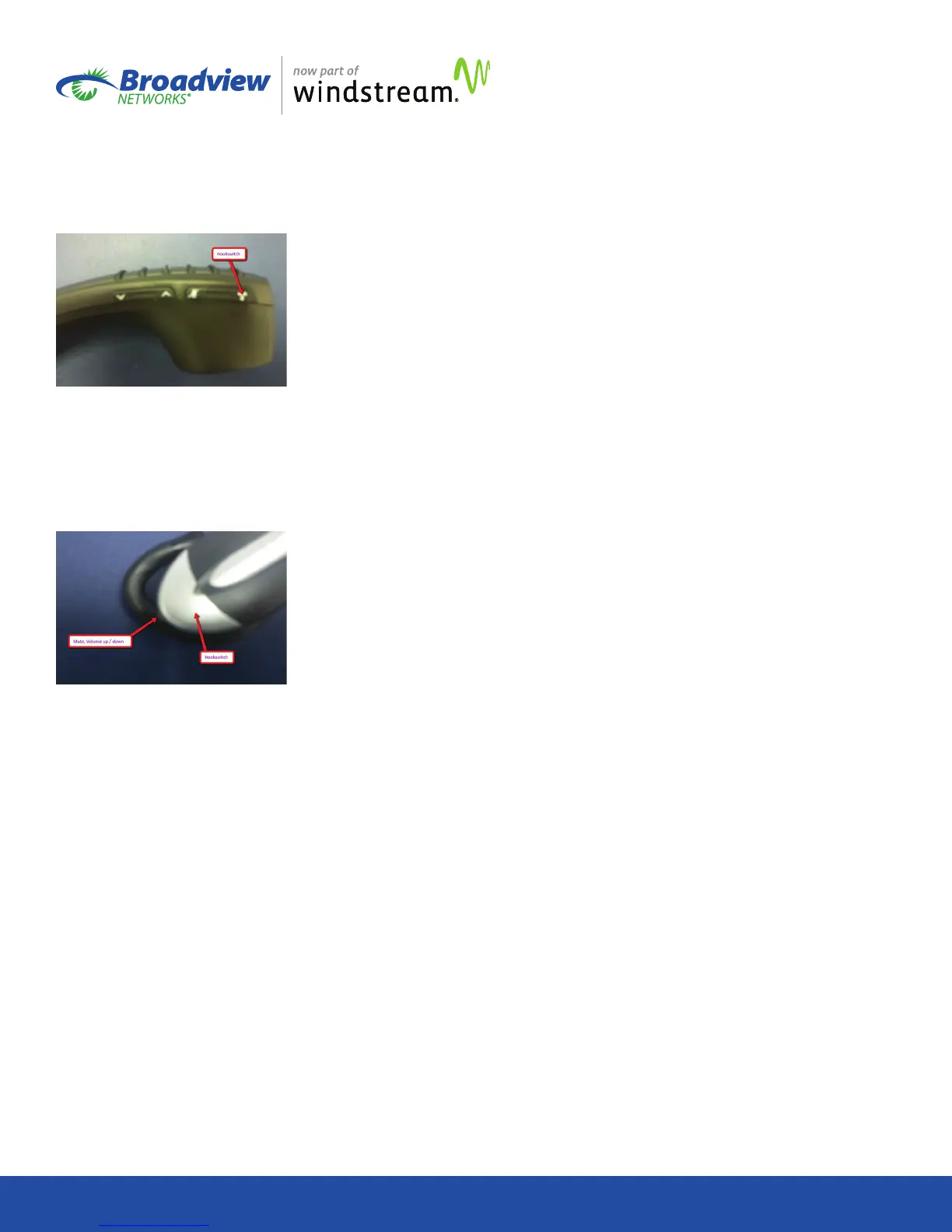
4. The handset controls are, from left to right, volume down/up,
microphone mute, and hookswitch. They are labeled clearly
with pictograms. Operation of the controls on the handset
will be reected on your OceSuite® phone.
5. On the headset, the silver, crescent-shaped button is the
hookswitch. The button on the top of the headset can be
pressed down to mute and unmute the microphone or it can
be slid forward or backward to increase/decrease volume.
Operations of the controls on the headset will be reected on
your OceSuite® phone.
6. To receive an incoming call, press the hookswitch
momentarily. Disconnect the call the same way. NOTE: If
engaged in a call and a second call comes in, pressing
hookswitch will disconnect caller 1 and connect you to
caller 2.
7. Outbound calls must be dialed on the keypad of the phone
or via programmed speed dials on your phone.
Troubleshooting
If you experience any problems with the wireless accessory,
ensure the following:
Your device is paired with your phone.
Your device is fully charged.
You are within range of your phone when using the device.
You are not using the device in an environment with heavy
interference from other wireless devices, microwave ovens, and
other radio frequency sources.
You are not using your device in an environment with device
density greater than one device per 40 square feet.
If your headset is not charging, check the cable connection on
the back of the phone to be sure it has not pulled out.
If your devices will not maintain a charge, you may need to
replace the batteries.
Contact Us
You can nd additional helpful information about your phone
and other services at www.broadviewnet.com/support and
through our OceSuite® community at https://community.
broadviewnet.com/.
Customer Service can be reached 24 hours per day, 7 days per
week. Call us at 1-888-623-VOIP (8647) or contact us via e-mail
at OceSuiteSupport@broadviewnet.com.


 To Previous Page
 Loading...


