6
Console manual selection
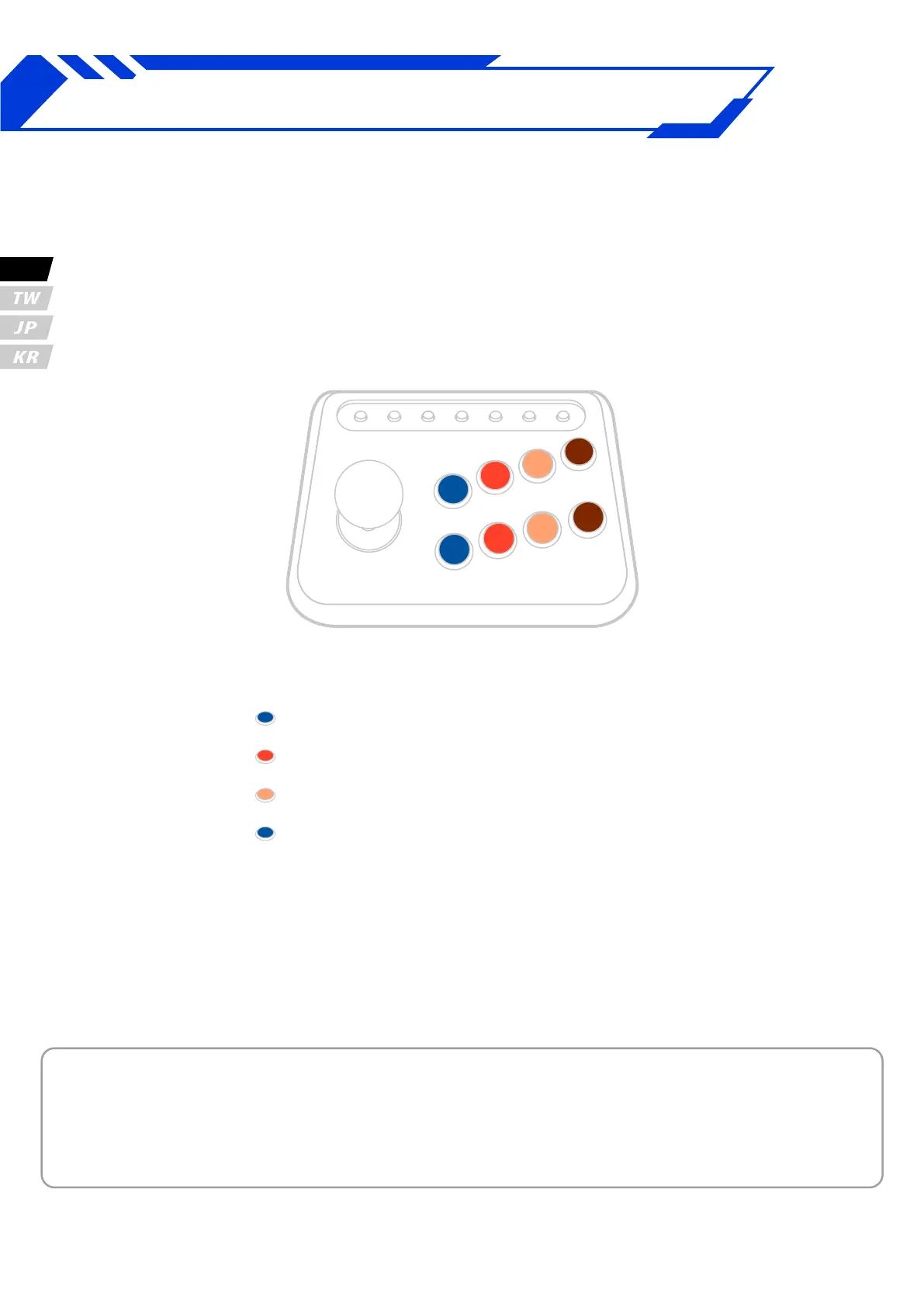
Press button.
1P = PS3
2P = PS4、PS5
3P = PC
1K = Switch
Manual Mode
Step.1
While Pressing connect ghtstick to PC / Console
Step.2
4K
3K
2K
1K
4P
3P
2P
1P
UP
DOWN
LEFT
RIGHT
* When uses manual mode, the device mode will be saved automatically.
If you want to switch back to the automatic detection mode, please hold
down "Option (menu)" button and then plug USB cable to PC / console.
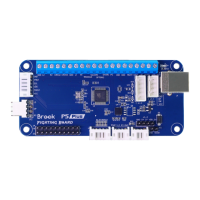
The P5 PLUS FIGHTING BOARD
support manual selection of PS5 , PS4 , PS3 , Switch.
EN



 To Next Page