Quick Guide
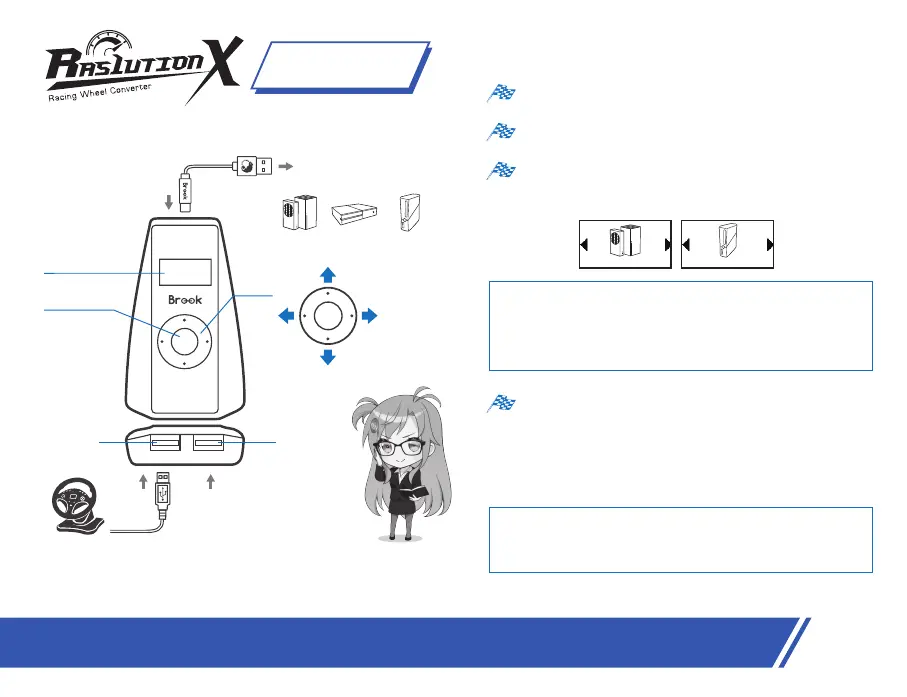
Ras1ution X has two main modes: steering wheel mode and
controller mode.It's suggested to choose steering wheel mode on
each according console at first. Some games may not recognize
steering wheel mode, you can then choose controller mode to play.
(*There's just controller mode for Switch)
Press the start button to choose the platform
(switch on the left or right key) and press the start
button to save.
You can set the force feedback strength (±10 stages)/steering range
(±10 stages)/dead zone for controller mode (20 stages)/Language on
menu and press start button to save, press down key to resume default
setting or press up key back to the menu.
*Brook supply the Ras1ution app, you can download from App
store/Google play to set and save the mode as you wish (this profile
will save in your mobile, you can connect it no matter where you are)
Step.4
Step.3
Step.2
Step.1
Connect the
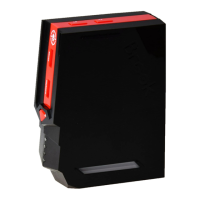
Ras1ution X
converter to the console.
Connect your racing wheel to USB port 1.
※ Make sure you follow these connection steps below, or your steering
wheel won't start properly.
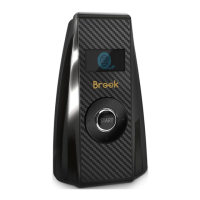
START
Screen
Start button
Up
Down
Right
Left
START
Plug into consoles:
1
2
USB port1
USB port2
Racing
wheel
For racing wheel
accessories
XB 1 XB 360XB X|S
202407V1
English
XB X|S, XB 1 XB 360
03


 To Next Page