STEP. 3
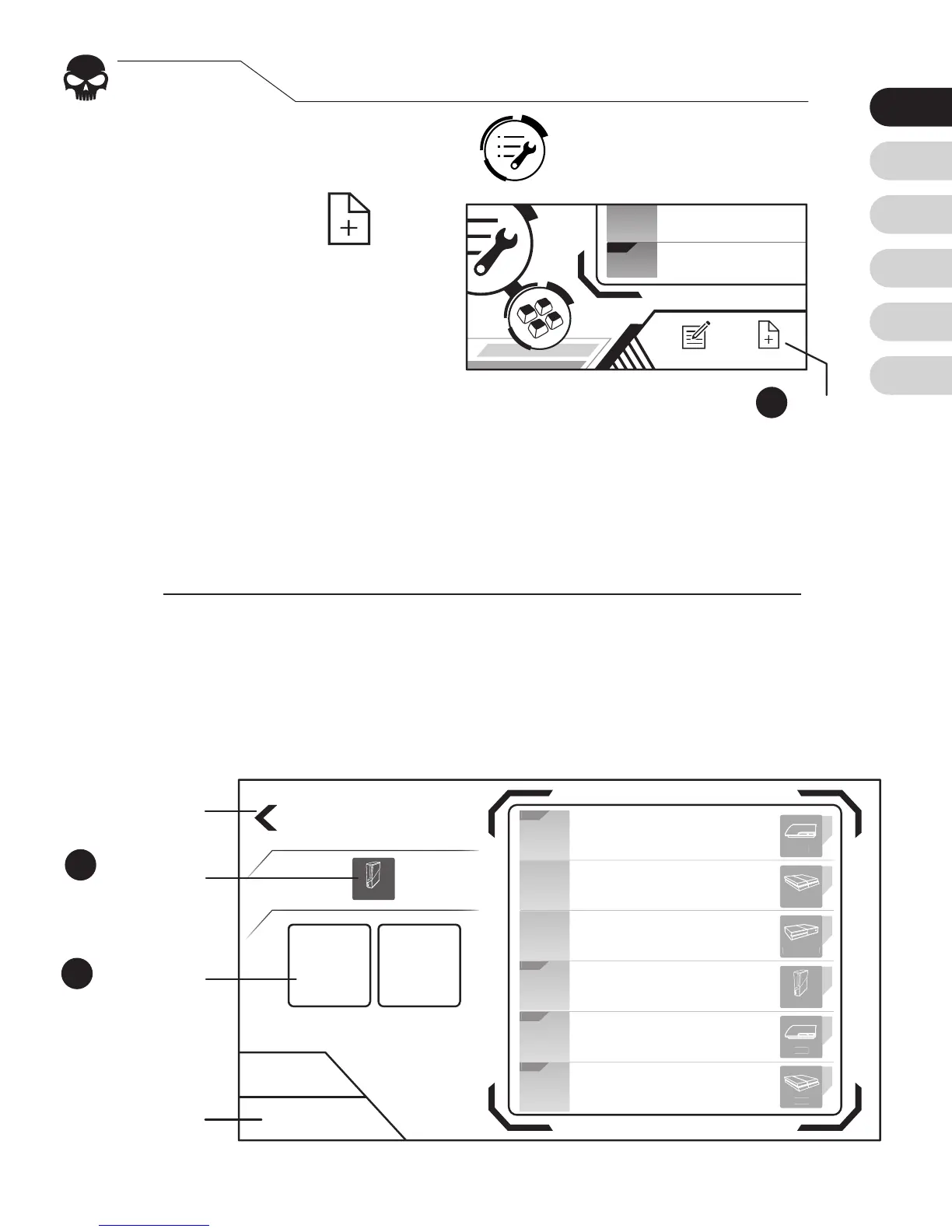
Add congurations
Press Cong Setting Icon
on the mian page.
Press “New”
to add a conguration,
which is a set of settings
for a particular game.
[1]
Elite Congurations provide optimized dead zone and mouse
movement speed curves for specic games. Check if there is an
Elite version available for your game, otherwise choose Custom.
1.
2.
Choose the console you will be connecting.
Press “Custom” or “Elite”
[1]
. Select a platform that
corresponds to your console and the congurations.
3.
4.
Create New
Custom Elite


 To Next Page