HEADLESS MODE
Drones generally have a front and rear, indicated by LED lights or colored propellers, and
the user must know their orientation in order to use left and right turns appropriately. With
Headless Mode, left always turns left, right always turns right, regardless of the drone's
orientation. Headless Mode is designed for beginners, and for users who fly the drone in
daylight, at a far distance, or whenever it is difficult to identify the drone's orientation.
You can activate Headless Mode before taking off or in flight.
To use Headless Mode:
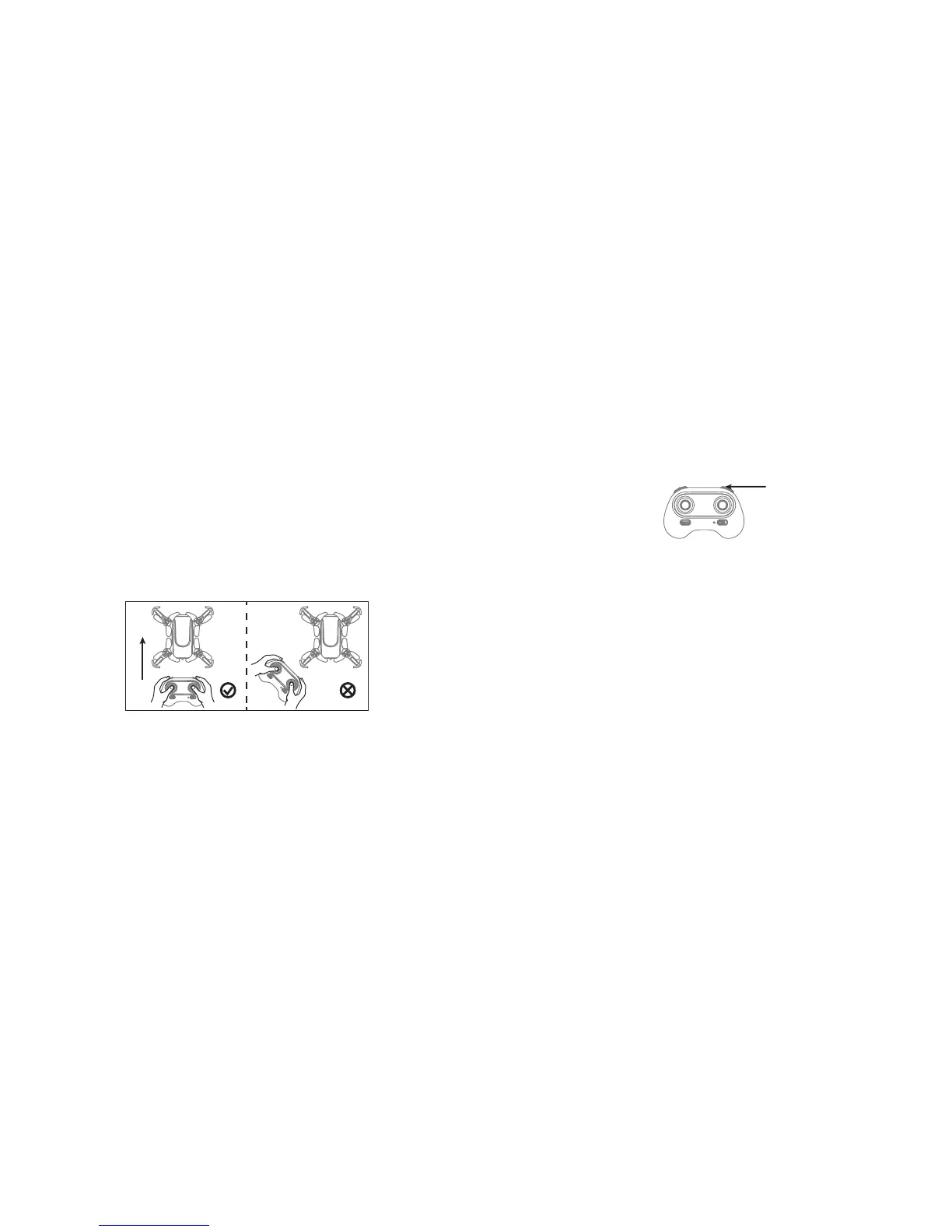
1. Ensure that the drone's front direction is aligned with your front direction. DO NOT
CHANGE THE DIRECTION OF YOUR CONTROLLER. The drone MUST fly in front of
you at all times.
WARNING: Before activating Headless Mode, be sure that the drone's front is your
front. If not, the drone might become out of control.
Front (Camera)
Rear (Power Switch)
Left Right
Front (Camera)
Rear (Power Switch)
Left Right
Correct WRONG
18
2. Press the Headless Mode button. The drone's led lights will flash, indicating that the
drone has entered Headless Mode.
3. To turn off Headless Mode, press the Headless Mode button again. The drone's LED
lights turn solid, indicating that Headless mode is off.
LOW BATTERY ALARM
When the controller batteries are low, the controller will beep. Land the drone and replace the
batteries as soon as possible. The drone may be difficult to control with low batteries.
OUT OF RANGE ALARM
When the drone is about to fly out of the maximum remote control distance, the controller will
beep. Fly back into range immediately. The drone will be difficult or impossible to control when
it is out of range.
Headless Mode Button
19


 To Next Page
 Loading...