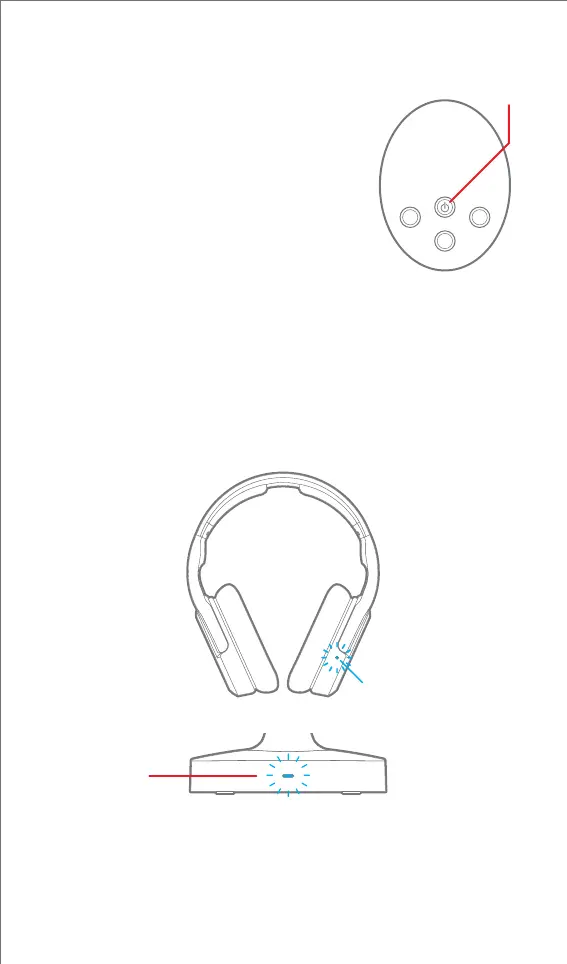
Power On:
Press and HOLD the power button (about 2
seconds), until the headphone’s LED Indicator
turns blue.
Power O:
Press and HOLD the power button (about
2 seconds), until the headphone’s LED
Indicator flashes blue and turns off.
Note: If the headphones are powered on and placed on the
Charging Base, the headphones will automatically power off.
After powering on the headphones, they will wirelessly connect
to the Charging Base (about 5-10 seconds). The Charging Base’s
LED Indicator will light up solid blue and the headphones will
beep three times, its LED Indicator will also flash blue.
Under ideal conditions, it’s possible to achieve a wirelesses connection
of approximately 100 feet*.
LED Indicator
LED
Indicator
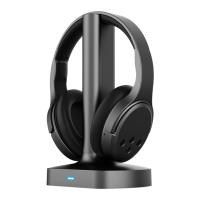
Charging Base
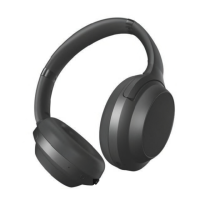
Headphones
POWER ON/OFF
Power
10


 To Next Page