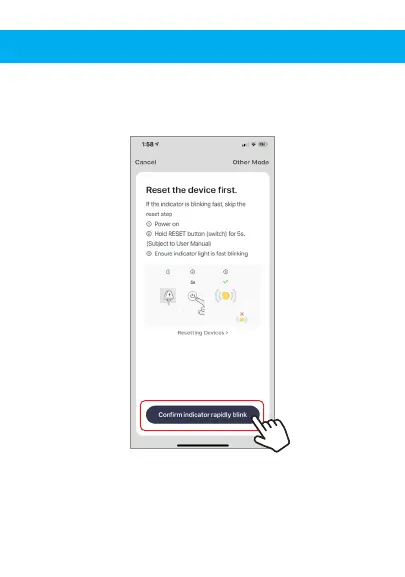
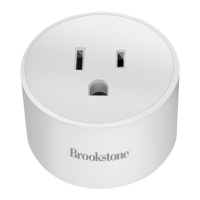
1. Plug in Smart Plug into electrical socket and
hold down on/off button until the light
blinks rapidly.
2. Make sure phone is connected to your Wi-Fi
network and that it is a 2.4GHz network.
3. Press the (+) symbol in the top right corner of
the app and select the Smart Plug from
the list of devices to add.
5. Make sure phone is connected to the Wi-Fi
network that the device will be connected to.
Enter your password for the Wi-Fi network.
4. Confirm indicator light is blinking and press
the “confirm indicator rapidly blinks” button.


 To Next Page