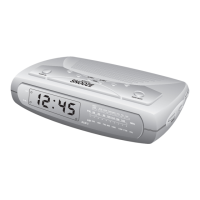
21. MEMORY Button
22. PRESET – Button
23. AM/FM Button
24. REPEAT Button
25. NAP Button
26. PROGRAM Button
27. SNOOZE/SLEEP/NAP OFF Button
28. TIME Button
29. MONTH/DATE Button
30. TIME ZONE Button
31. ALM (Alarm) 2 Button
32. ALARM MODE Button
OPERATING INSTRUCTIONS
• Make sure that you have extended the AC power cord to its full
length. The FM antenna is built into the power cord.
• Make sure that you have installed a fresh 9-volt battery in the
SureAlarm circuit if you want the SureAlarm battery back-up circuit
to operate. If you do not install a 9-volt battery, the low battery
indicator will remain ‘on,’ but this will not affect any other
functions or operation of the unit.
• Make sure you have removed the “dummy CD” transit protection
18



 To Next Page