Date Display
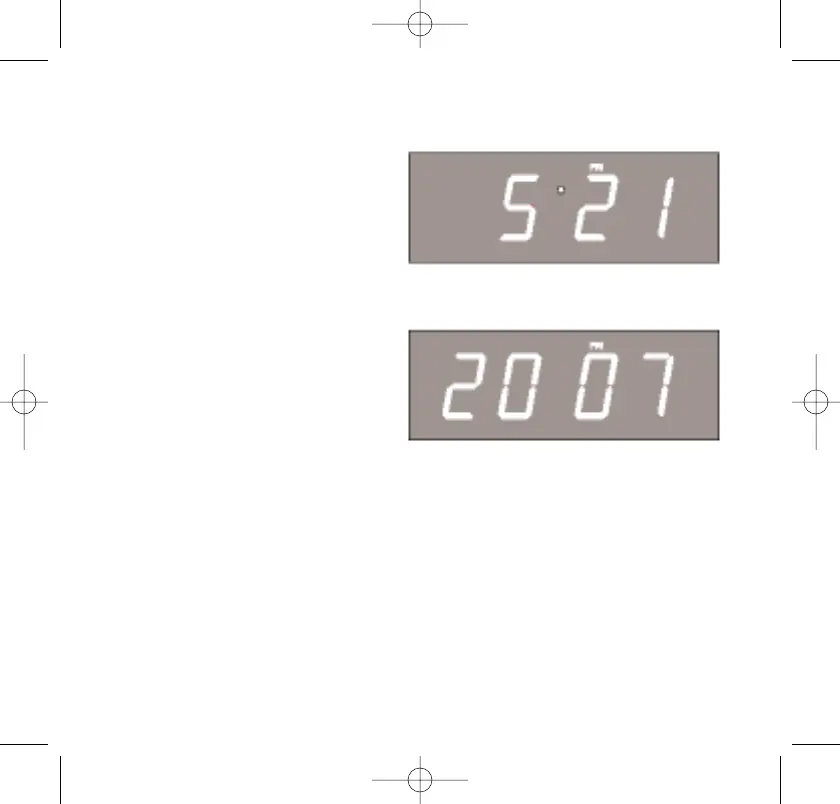
To see the correct date at any time, depress the MONTH/DATE button.
The display changes from time
to month and date (MM/DD).
For example, May 21 st will
appear as “5 21”.
When you release the
MONTH/DATE button, the display
returns to the correct time.
Year Display
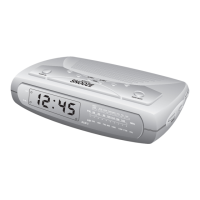
To see the correct year, depress
the MONTH/DATE and TIME
buttons together, the display
changes from time to year.
When you release the MONTH/DATE and TIME buttons, the display
returns to the correct time.
Daylight Saving and Leap Year Adjustments
All Daylight Saving and Leap Year adjustments are made
automatically by the SmartSet® internal computer as follows:
• Start of Daylight Saving Time
At "2:00" AM on the 2nd Sunday in March, the clock will
automatically advance to "3:00" AM.
22



 To Next Page