16
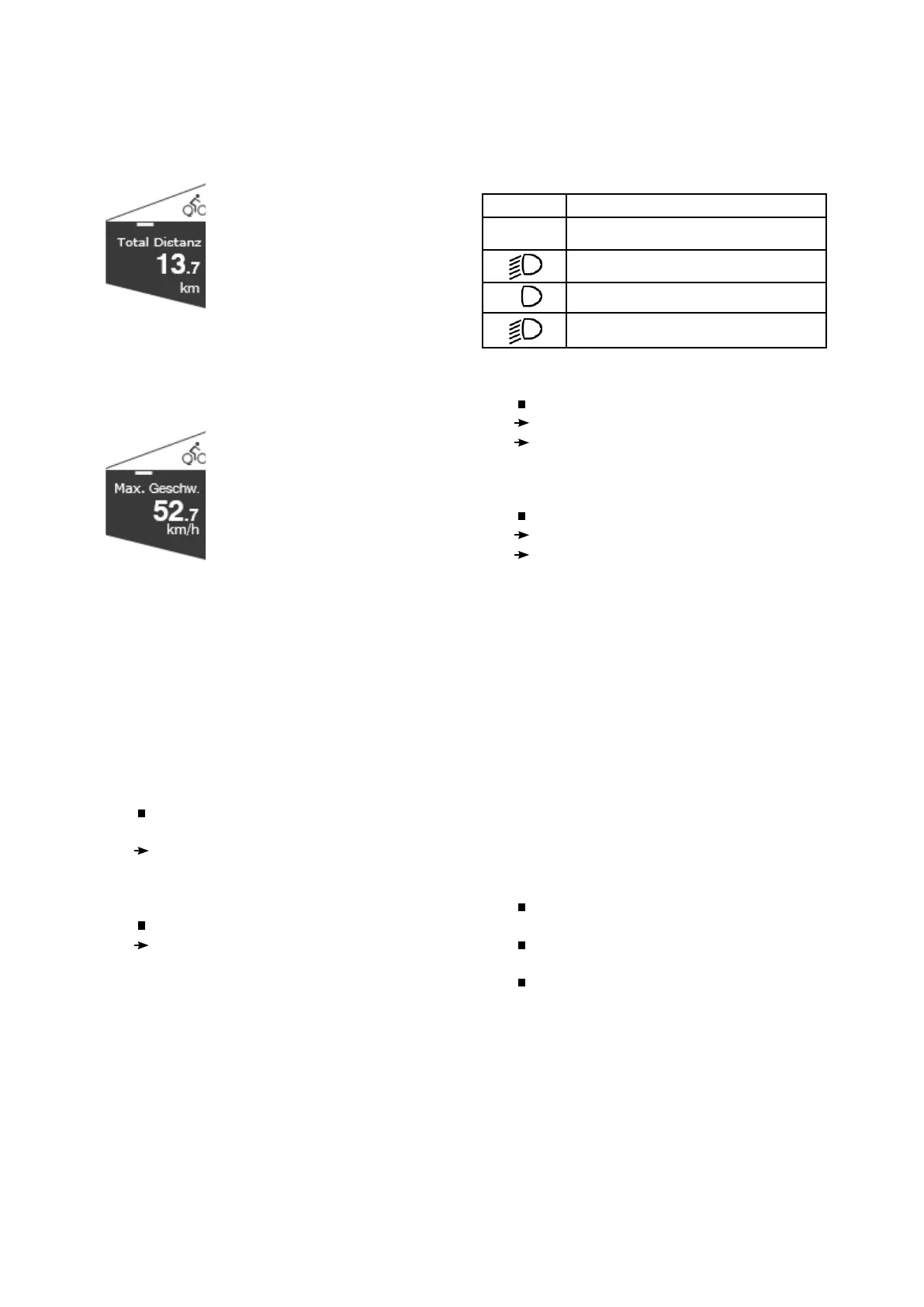
Total Distance
Fig. 10 Comfort Page Total Distance
Displays the total distance covered by the pedelec.
Another page belongs to this display.
Total Distance / maximum speed
Fig. 11 Comfort Page Max. Speed.
Shows the highest speed on the total distance
covered by the pedelec.
4) Operating
4.1) Switching on and off
Switching on the Comfort control unit
Press the T4 key for less than 2
seconds.
The display shows the home screen, then
changes to the Main screen.
Switching off the Comfort control unit
Press and hold (>2s) the T4 key.
The display goes out.
4.2) Operation
4.2.1) Headlight
Press the T5 key to switch the light on or off. If
the automatic light function is activated, the light is
switched on or off according to the ambient light.
The main page shows the current status of the
running light with the following symbols:
Switch on the headlight
Briefly press the T5 key.
The headlight is switched on.
The headlight symbol shows the normal
light status.
Switching of the headlight
Press and hold (>2 sec) the T5 key.
The headlight is switched off.
The headlight symbol shows the current status.
Automatic mode Switching the headlights on
and off
You activate the automatic mode for the headlight
on the „Automatic light“ page.
The automatic mode switches the headlight on or
off according to the ambient light.
In automatic mode, you can switch the headlight
on or off at any time with the T5 key.
4.2.2) Setting support
The electric motor of your pedelec supports
your pedaling power. Several support levels
are available. You can also drive without motor
assistance.
You set the support levels on the Comfort
control unit (T4 / T2).
The current support level indicates Comfort
with a scale.
The selected level is immediately effective.
You can see the active level from the bright
segments of the support display on the main page
of the Comfort control unit.
Symbol Headlight
- Headlight off
Headlight on
Automatic mode on - Headlight off
Automatic mode Headlight on
A
A


 To Next Page
 Loading...