18
4.2.4) USB port
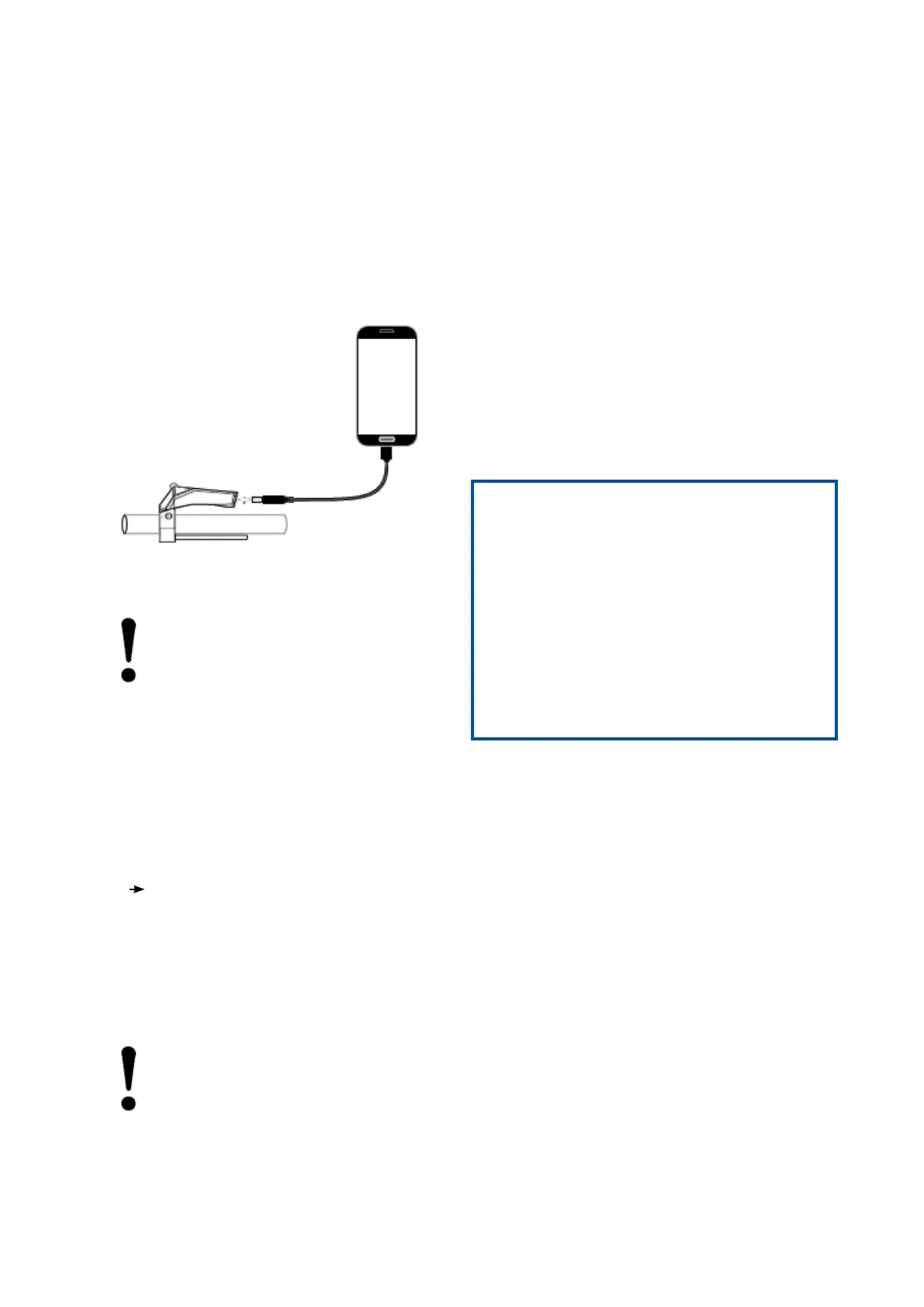
The Comfort control unit has a Micro USB AB
plug. The USB plug is located in the tip of the de-
vice above the handlebar and is protected against
dirt and moisture by a rubber cap. A connected
USB device is supplied with max. 1 A charging
current.
Abb. 13 USB-Port
NOTE!
No liability is accepted for damage to the
mobile phone caused by the connection
to the Comfort control unit.
Connecting the USB Device
1. Open the rubber protection cap of the
USB port
2. Connect the USB device to the USB
port - direct connection or with a suitable
USB cable. A so-called OTG USB cable
must be used to charge a device. The
direction of connection must be observed.
The new connection is displayed on the
connected device.
Removing the USB device
1. Disconnect the USB device or the con-
necting cable from the USB port on the
Comfort control unit.
2. Close the USB port with the rubber cap.
NOTE!
Please observe the instructions for di-
sconnecting the USB connection in the
operating manual of the connected
device.
The Comfort control unit is only protected against
water and dirt when the rubber protection is
closed.
To prevent damage to the USB port of the control
unit, it is recommended that the USB cable is
also securely attached to the handlebars.
5) Error Codes
The Comfort control unit displays error codes for
the entire pedelec system. The error codes repre-
sent errors detected by the system. The following
table shows the meaning of the error codes. Plea-
se observe the recommended reaction to the error
codes.
WARNING!
Note the error codes!
Error codes can indicate serious errors in the
pedelec system. These errors prevent safe opera-
tion of the pedelec. Accidents with personal injury
and damage to the pedelec may occur.
Stop using the pedelec. Inform yourself about
the meaning of the error code and observe the
solution approach.
If the meaning of the error code is unclear, stop
the drive and turn off the wheel. Contact the
manufacturer, the dealer or your garage for
information on the next steps


 To Next Page
 Loading...