EasyManua.ls Logo

Brother 885-V51 - User Manual

Brother 885-V51
92 pages
Print Icon
To Next Page IconTo Next Page
Loading...
885-V51
English
XE5427-001
Printed in China
Product Code 885-V51
GETTING READY
EMBROIDERY
APPENDIX
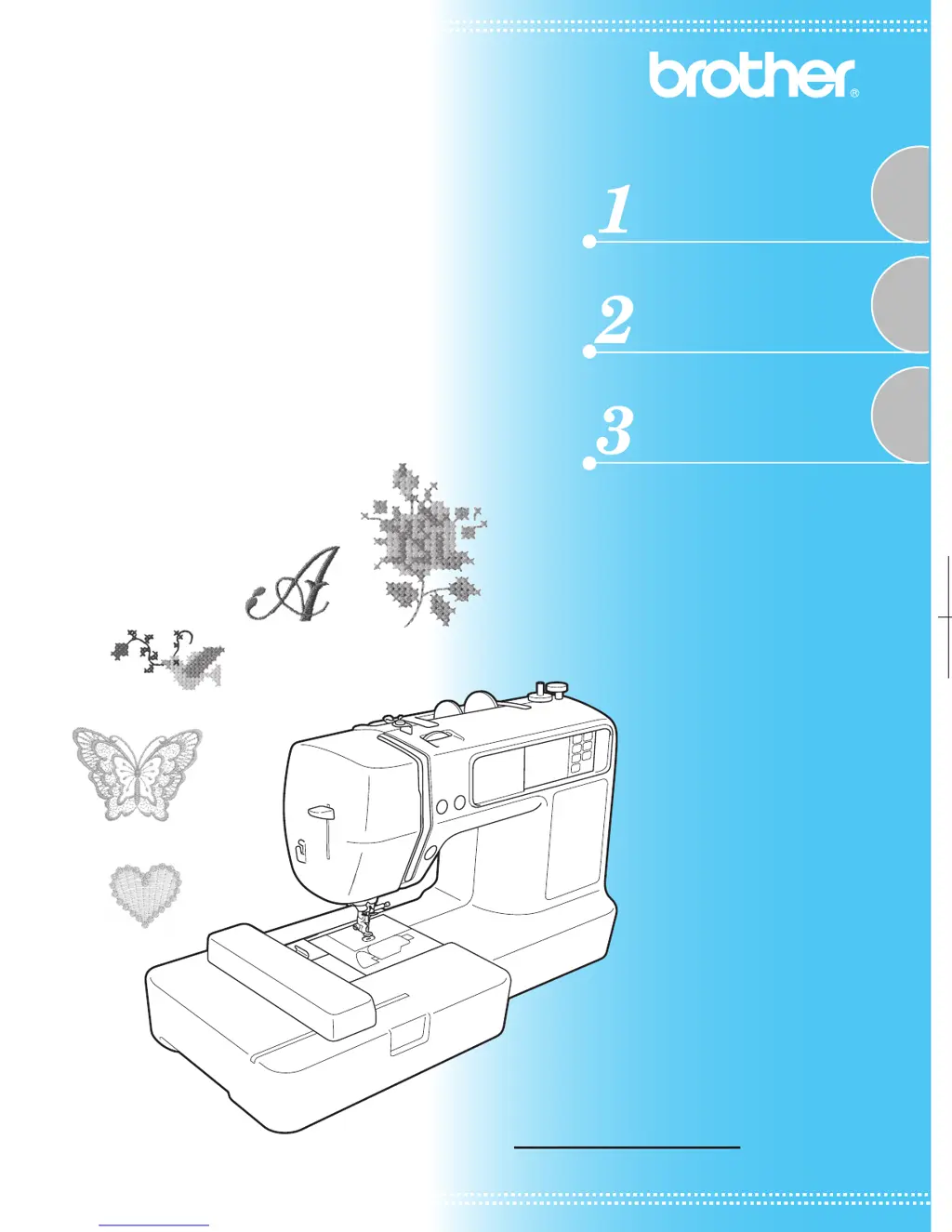
Computerized Embroidery Machine
Operation Manual
PANTONE 285 Black _Ccombo_emb_cover
Please visit us at http://solutions.brother.com where you can get
product support and answers to frequently asked questions (FAQs).

Table of Contents

Questions and Answers

  • S
    Susan GibbsAug 20, 2025
    Why does my Brother Sewing Machine not operate?
    • R
      Ryan MurrayAug 20, 2025
      If your Brother Sewing Machine isn't turning on, make sure the machine is turned on. Also, check if the start/stop button was pressed. The machine also won't operate if the presser foot lever is raised, so lower it. If you've just wound a bobbin, ensure the bobbin winder shaft is slid to the left. Lastly, if you're using the embroidery unit, make sure it's properly attached.
  • C
    conwaymichaelAug 22, 2025
    What to do if the lower thread is tangled in my Brother 885-V51?
    • N
      Nicholas TaylorAug 22, 2025
      If the lower thread is tangled or breaks in your Brother Sewing Machine, make sure the bobbin thread is correctly installed. Also, if the thread is tangled, remove the tangled thread and clean the race.
  • C
    Christopher WrightAug 25, 2025
    Why is my Brother 885-V51 skipping stitches?
    • E
      Eric HolderAug 25, 2025
      If stitches are skipped on your Brother Sewing Machine, first ensure that the upper thread was threaded correctly. Also, dust may have accumulated under the needle plate or in the bobbin case. Remove the needle plate cover and clean the race.
  • M
    Mark GrayAug 26, 2025
    Why does my Brother 885-V51 make a high-pitched noise when embroidering?
    • M
      maddoxemilyAug 27, 2025
      If a high-pitched noise is made while embroidering with your Brother Sewing Machine, dust may have accumulated in the bobbin case. Clean the race.
  • T
    Theresa LinAug 27, 2025
    What to do if the needle breaks on my Brother Sewing Machine?
    • M
      michelle47Aug 28, 2025
      If the needle of your Brother Sewing Machine breaks, it could be due to several reasons. First, ensure the needle is correctly installed. If the upper thread tension is too tight, loosen it. Also, check that the spool is correctly installed and that you are using a bobbin specifically designed for your machine. Finally, make sure the upper thread is threaded correctly.
  • H
    Holly LopezAug 29, 2025
    Why does the upper thread keep breaking on my Brother 885-V51 Sewing Machine?
    • K
      kevin35Aug 29, 2025
      If the upper thread breaks on your Brother Sewing Machine, it is likely that the upper thread wasn't threaded correctly. For example, the spool may not be installed correctly, the spool cap might be too big for the spool being used, or the thread has come out of the needle bar thread guide. Correct the upper threading and use the spool cap that best fits the size of the spool being used.
  • R
    Robert WilsonAug 31, 2025
    How to fix incorrect thread tension on a Brother 885-V51?
    • S
      Steven MunozAug 31, 2025
      If the thread tension is incorrect on your Brother Sewing Machine, it might be because the upper thread wasn't threaded correctly. Ensure that the thread is hanged on the thread guide spring which is on the left side of the thread guide cover. Also, check that the bobbin thread is correctly installed.
  • A
    Amy GarciaSep 2, 2025
    How to fix bobbin thread not winding neatly on my Brother 885-V51?
    • K
      Kevin HoltSep 2, 2025
      If the bobbin thread does not wind neatly on the bobbin of your Brother Sewing Machine, make sure that the thread is passed through the bobbin-winding thread guide correctly.
  • X
    xortegaSep 4, 2025
    How to get thread through the eye of the needle on my Brother Sewing Machine?
    • R
      Ryan WashingtonSep 4, 2025
      If the thread does not pass through the eye of the needle on your Brother Sewing Machine, press the needle position button.
  • C
    cody62Sep 6, 2025
    Why is the thread tangled on the wrong side of the fabric with my Brother 885-V51?
    • J
      Jamie WoodwardSep 6, 2025
      If the thread is tangled on the wrong side of the fabric with your Brother Sewing Machine, ensure that the upper thread was threaded correctly.

Summary

Introduction and Safety Information

Manual Introduction

Welcomes users and advises on reading the manual for proper operation.

Important Safety Instructions

Critical safety warnings and precautions to prevent injury and machine damage.

Machine Features and Accessories

Machine Features Overview

Highlights the key functions and components of the embroidery machine.

Included and Optional Accessories

Lists all accessories provided with the machine and available optional items.

Machine Parts and Controls

Machine Parts Identification

Details the names and functions of various machine parts from different views.

Operation Buttons and Panel

Explains the function of operation buttons and the main control panel.

Getting Ready

Basic Steps for Embroidering

Outlines the essential sequence for preparing the machine and fabric for embroidery.

Machine and Unit Setup

Covers turning the machine on/off, attaching the embroidery unit, and LCD operation.

Preparing Embroidery Items

Details preparing needles, bobbins, fabric, stabilizers, and embroidery frames.

Threading Procedures

Step-by-step instructions for upper threading and manual needle threading.

Fabric and Frame Preparation

Covers preparing fabric with stabilizer and setting it in the embroidery frame.

Attaching the Embroidery Frame

Instructions on how to attach the embroidery frame to the unit.

Embroidery

Selecting Embroidery Patterns

Details various types of embroidery patterns and how to select them.

Performing Embroidery and Appliqué

Explains the process of embroidering patterns and performing appliqué designs.

Editing and Saving Patterns

Guides on adjusting layout, size, thread tension, and connecting character patterns.

Using the Memory Function

Details on managing embroidery data, saving patterns, and transferring designs from a computer.

Appendix

Machine Maintenance and Care

Covers cleaning procedures for the machine surface and race.

Attaching the Embroidery Foot

Instructions for attaching the embroidery foot "Q" to the machine.

Troubleshooting Common Issues

Provides solutions for various machine problems, including error messages.

Upgrading Your Machines Software

Instructions on how to download and install software upgrades for the machine.

Brother 885-V51 Specifications

General IconGeneral
LCD ScreenYes
Speed ControlYes
Free ArmYes
Needle ThreaderAutomatic
TypeComputerized Sewing Machine
Buttonhole Styles8 one-step buttonholes

Related product manuals