
 Need help?
Do you have a question about the Brother HL-L8360CDWT and is the answer not in the manual?
Verify all listed components are present after unpacking the machine.
Remove packing materials and install the drum unit and toner cartridge assembly.
Load paper into the paper tray and adjust paper guides.
Connect the power cord and turn the machine on.
Select the local language for LCD or Touchscreen models.
Install drivers and software for computer connection.
Connect your mobile device to the machine for printing.
Configure wireless connection using SSID and Network Key.
Download and install applications like Brother iPrint&Scan.
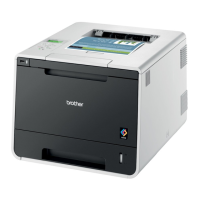
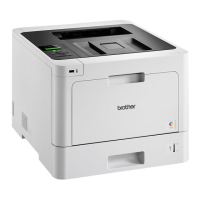
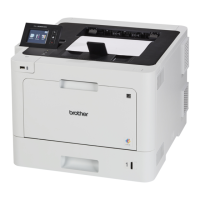
The Brother HL-L8260CDW / HL-L8360CDW / HL-L8360CDWT is a series of color laser printers designed for efficient and high-quality printing in various environments, from small offices to larger workgroups. These models offer a range of connectivity options and user-friendly features to streamline printing tasks.
These devices primarily function as color laser printers, capable of producing professional-quality documents in both monochrome and full color. They are designed for high-volume printing, offering fast print speeds and robust paper handling capabilities. The "CDW" and "CDWT" in the model names typically indicate features like Color, Duplex (automatic two-sided printing), and Wireless connectivity, with "T" often signifying an additional paper tray for increased capacity. The printers support various paper types and sizes, making them versatile for different printing needs, from standard documents to marketing materials.
While specific detailed specifications like print speed (pages per minute), print resolution (dots per inch), and processor speed are not explicitly listed in the provided manual snippets, the "laser printer" designation implies high-speed and high-resolution output. The inclusion of "CDW" and "CDWT" in the model names confirms:




 To Next Page
 General