A. HOW TO USE THIS MANUAL
This service manual is compiled for repairing service for
VX-
NOTE:
SERIES SEWING MACHINE and consisting of;
1.
Set the machine
as
below in
"
HOW TO ADJUST THE
ELEMENTS
"
when there
is
no special instruction on each
elements.
B. TROUBLES AND CHECK POINTS
C. HOW TO ADJUST THE ELEMENTS
STITCH WIDTH REGULATOR
. .
.
.
.
.
.
.O (straight stitch)
STlCH LENGTH REGULATOR.
.
. .
.
.
.
.O (no feeding)
NEEDLE POSITION SELECTOR.
. . . . .
.M
(center)
In case of home
-
use sewing machine, almost all troubles or pro
-
blems brought from consumers will be solved by following the
instruction book, because the causes in many cases are due to
2.
Adjust following numbers in circle in each instruction.
mis
-
use or carelessness. Therefore, we recommend you to refer
to
"
CHECK LIST FOR BETTER SEWING
"
in the instruction
book before you try to repair.
3.
Symbols used are:
Suggest to use this manual with
"
PARTS CATALOGUE
"
when you try to repair and pick up a point or points.
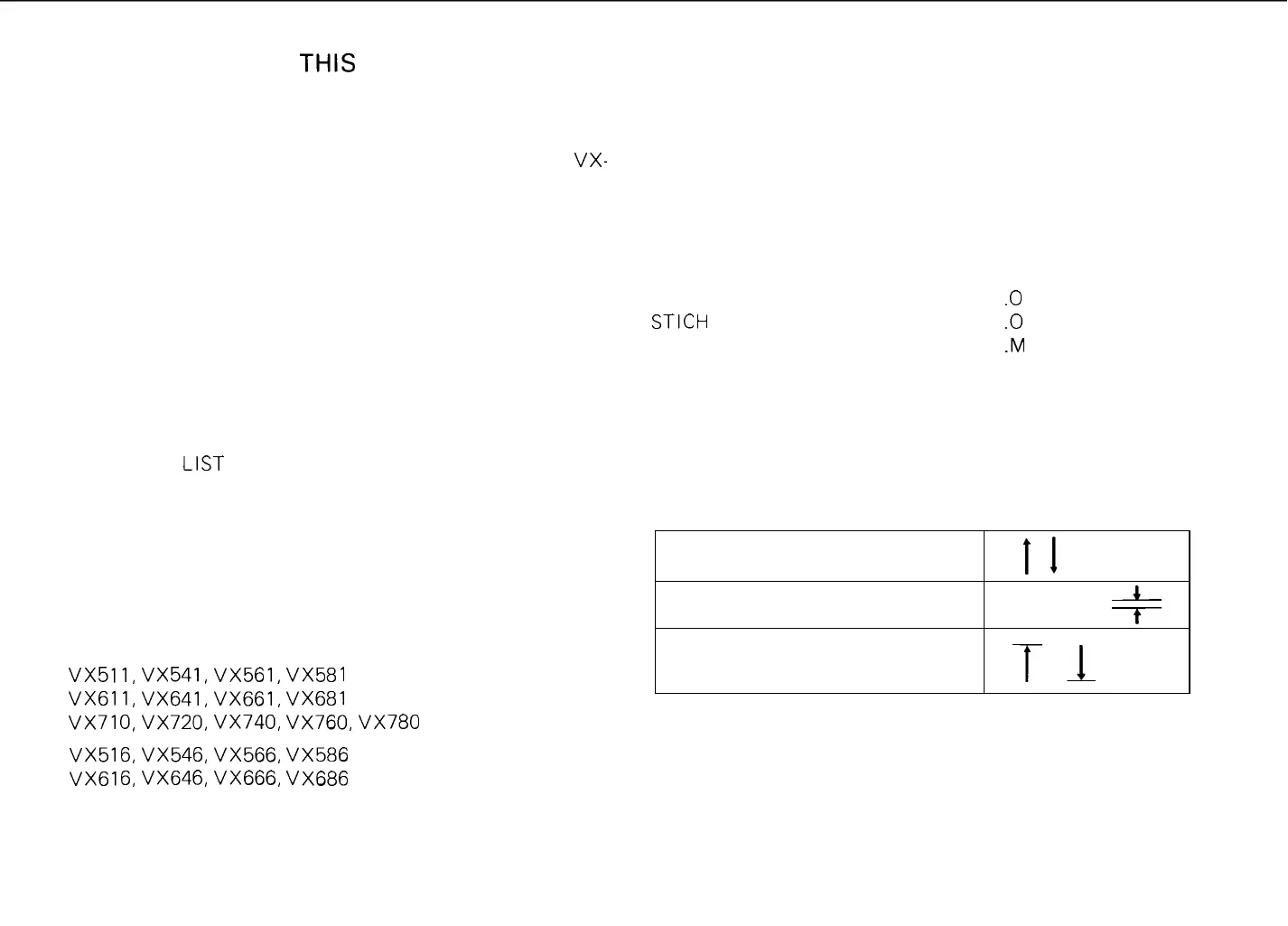
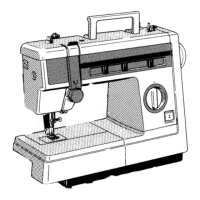
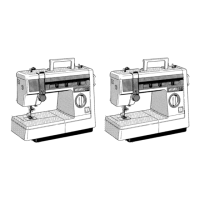
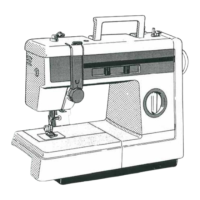
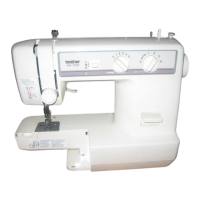
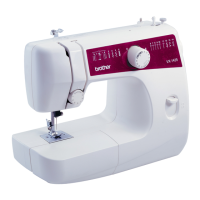
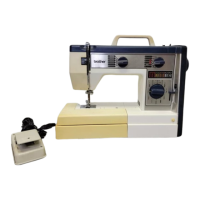
Model numbers covered by this manual are
VX511, VX541, VX561, VX581
(Free arm sewing machine)
VX611, VX641, VX661, VX681
VX710, VX720, VX740, VX760, VX780
VX516, VX546, VX566, VX586
(Flat bed sewing machine)
VX616, VX646, VX666, VX686
Move the part as this way
Set the clearance as indicated
Move the parts to its highest or
lowest position
tl
+
L
t
T
1



 To Next Page