15
NOTICE! do not tamPer with the assemBly screw on the rear of
the magaZine. doing so will render the magaZine inoPerative.
LOADING
when loading your rifle always KeeP the muZZle Pointed
in a safe direction, always Place the “safety” in the on safe
Position and KeeP your fingers away from the trigger.
failure to follow these warnings could result in serious
injury or death.
do not carry your rifle with a cartridge in the chamBer to
avoid accidental discharge. when firing is no longer imminent,
maKe sure the “safety” is in the on safe Position and unload
the chamBer. failure to follow these warnings could result
in serious injury or death.
REMOVING AND LOADING THE MAGAZINE
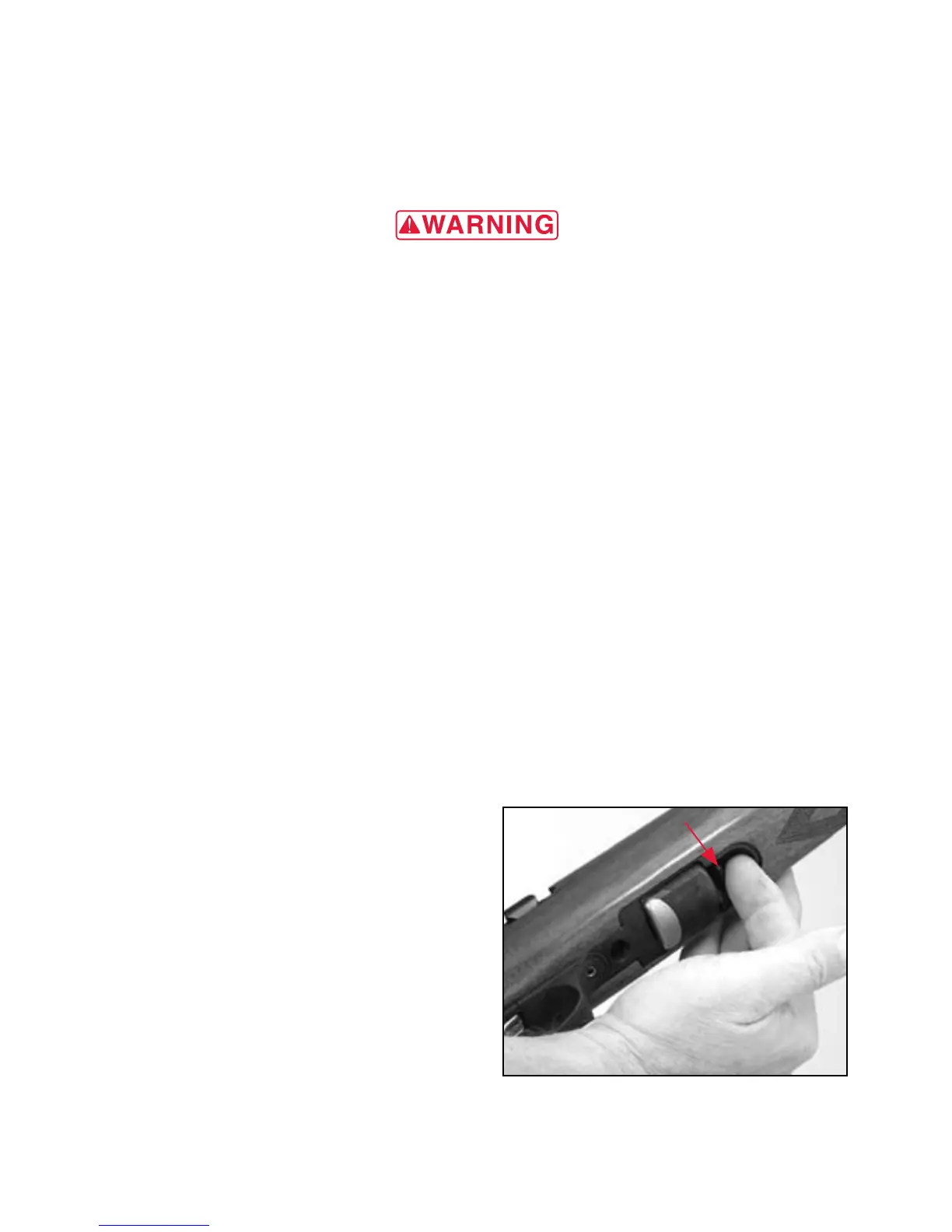
1 Press the magazine release button located underneath the rifle,
just in front of the magazine, with the index finger of your free
hand (Figure 9). The magazine will drop into your free hand.
2 Pull the bolt completely rearward
and inspect the chamber to
make sure it is empty.
3 Close the bolt and place the
“safety” in the on safe position.
4 Use your thumb to rotate the
gear located on the right rear
side of the magazine
counterclockwise and insert
the cartridge base first into
the magazine (Figure 10).
Care should be exercised in
positioning each cartridge so
figure 9
Press the magazine release button to eject
the magazine. The magazine will drop into
your hand.



 To Next Page