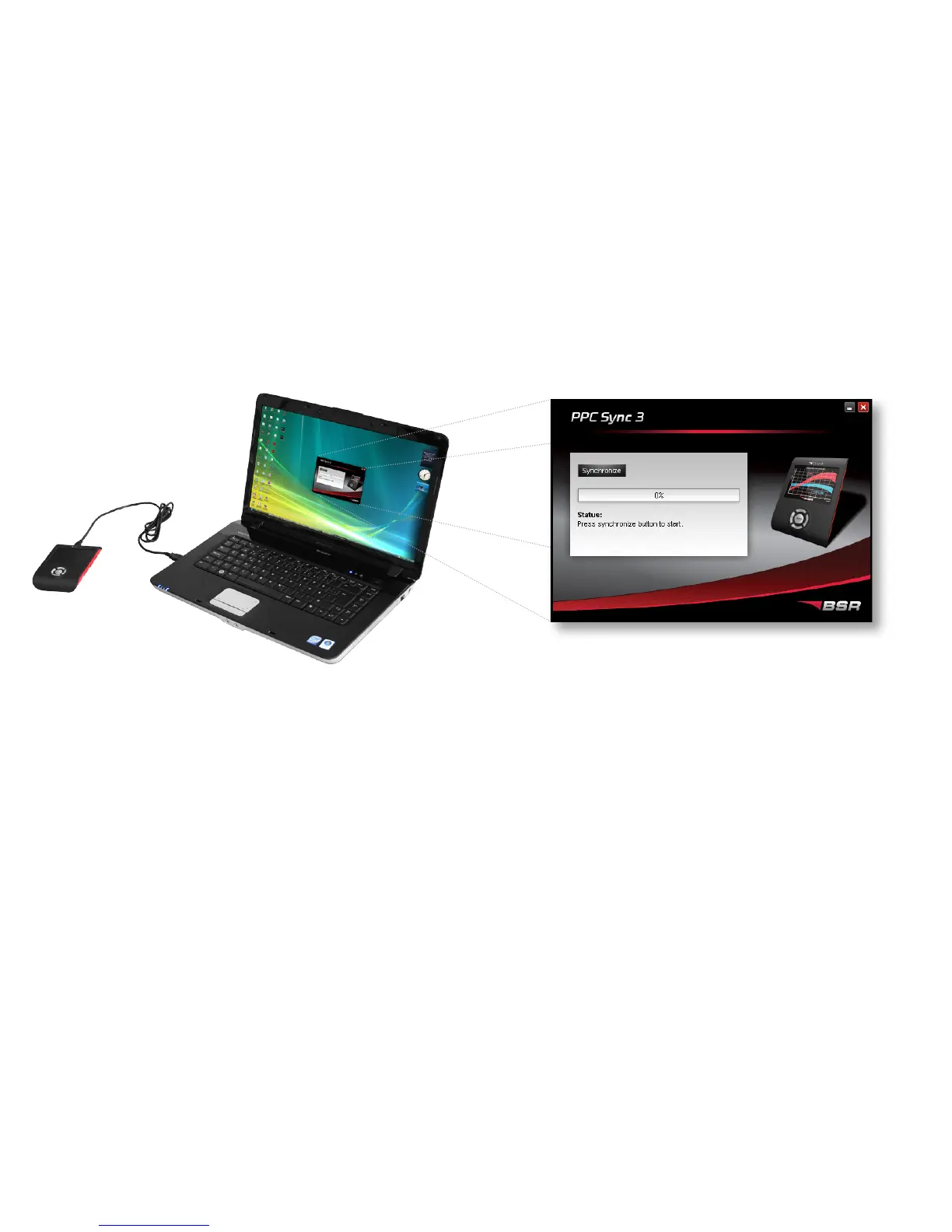
SYNCHRONIZING PPC
SPECIFICATIONS FOR PPC SYNC 3
Compatible with: Windows 7/Vista/XP/2000/ME/98/NT
Internet protocol: TCP/IP port 143
We recommend you to turn o any firewalls before using PPC Sync 3.
1. Connect PPC to your computer with the USB cable.
The computer must be connected to the Internet.
2. Start the program PPC Sync 3.
3. Fill in the PPC number and password that were
sent to your e-mail. (Only necessary to do once.)
4. Click Synchronize.
Click Synchronize to either:
a) Download new software to PPC
If there is a new tuning software for your car, it will be
downloaded. Also, the menues in your PPC may be updated and
new functions may be added.
b) Send your car’s original data to BSR
If you have read your car’s original data it will be sent to BSR. On
the basis of this BSR makes a new tuning software for your car.
USB cable
PPC Sync 3
12 13


 To Next Page