8
Configuration & Settings
Delete contact - this function gives you the possibility to delete the selected contact.
Delete the adresses book - this function gives you the possibility to delete all the contacts present in the addresses book.
ADDRESS BOOK
New contact
Modify contact
Delete contact
DEL THIS CONTACT
Confirm
Will be deleted
EXIT
DEL ADDRESS BOOK
Confirm
Will be deleted
EXIT
Aaaaa
Bbbbb
Ccccc
Ddddd
Select the contact to delete with than press
Confirm the elimination by pressing
Confirm the elimination by pressing
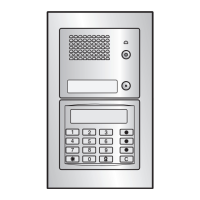
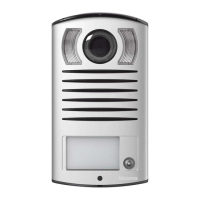
322011Digital colour entrance panel
with addresses list
BT00853-a-EN 03/09/2014


 To Next Page