
 Need help?
Do you have a question about the Bticino Terraneo 342620 and is the answer not in the manual?
Specifies recommended mounting heights for units 331110 and 331120.
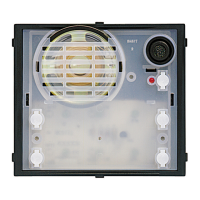
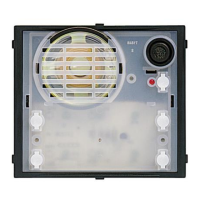
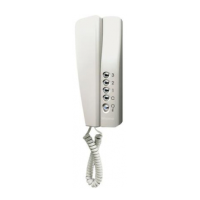
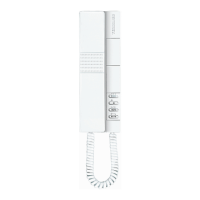
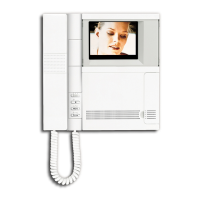
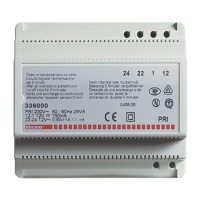
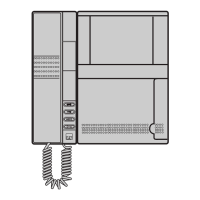
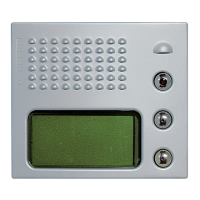
Displays various system components and their model numbers for reference.
Illustrates electrical connections and wiring for system components.
Essential safety advice and best practices for unit installation and operation.
Key features and capabilities of the digital speaker unit.
Labels and identification of the speaker unit's physical components.
Details the primary operational functions of the speaker unit itself.
Explains additional functions when using the optional keyboard module.
Describes the specific actions performed by each pushbutton (A, B, C).
Guides on finding a resident using their name in the phone book.
Explains locating a resident via their assigned code.
Details initiating calls using a code via the keyboard module.
Describes unlocking doors using a secret code with the keyboard module.
Explains pushbutton roles during programming mode operations.
Lists the various system settings that can be configured.
Provides steps to enter the unit's configuration settings.
Details the procedure to change the unit's security code.
Explains how to change the display language of the unit.
Guides on adjusting the screen contrast for better readability.
Describes setting the method for searching residents (name or code).
Outlines steps for adding, editing, or deleting resident entries.
Details functionality and use of the optional external keyboard module.
Explains features and operation of the infrared remote control for programming.
Describes software for programming and updating the unit via PC.
Explains connecting a PC directly for programming via interface cord.
 General
| Model | 342620 |
|---|---|
| Brand | Bticino |
| Display size | 3.5 inches |
| Color | White |
| Material | Plastic |
| Type | Intercom System |
| Display | LCD |
| Mounting | Surface |




 To Next Page