5.4 Initial software settings
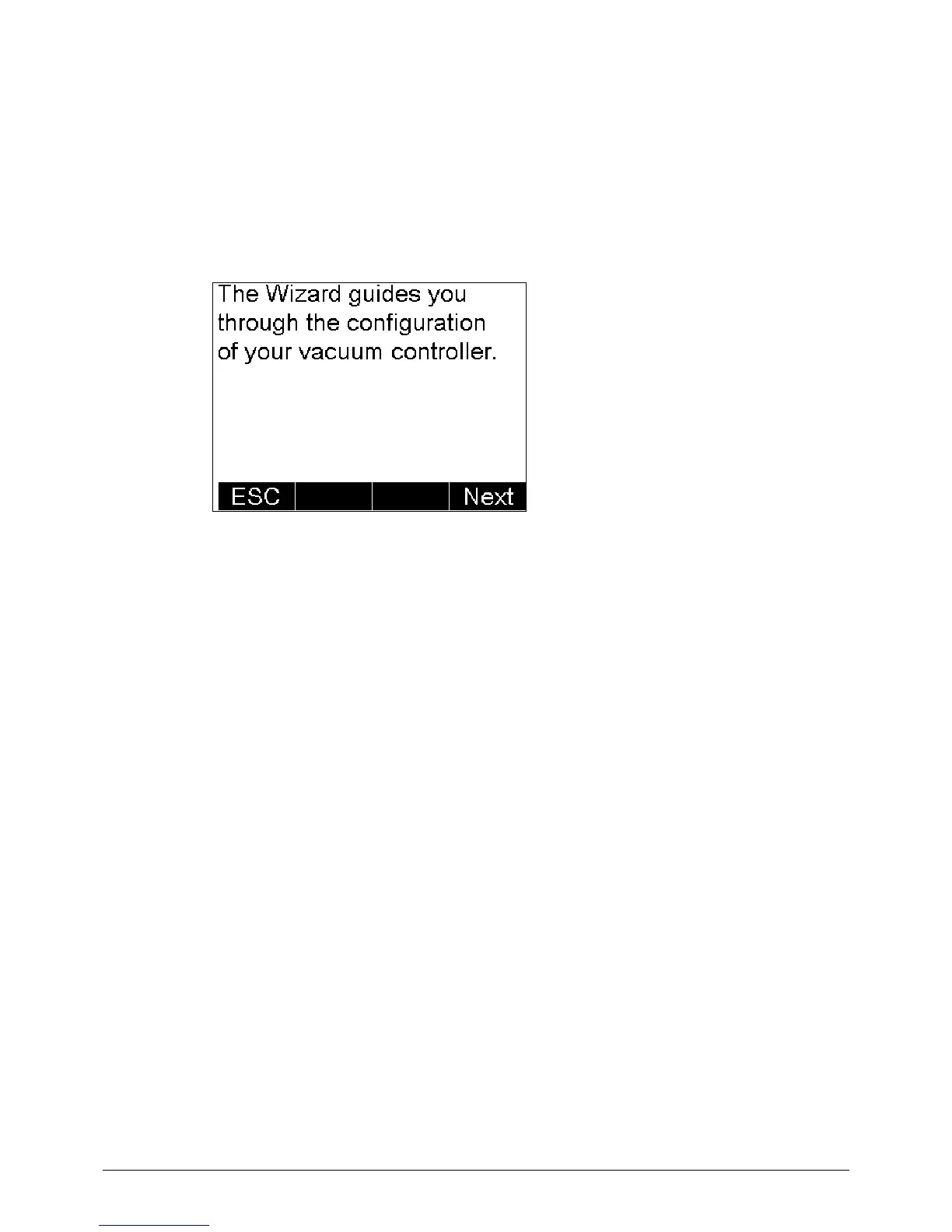
When you switch on the vacuum controller for the first time, a wizard will guide you through the initial
settings to be carried out.
To change the default settings within the screens, use the selection knob at the vacuum controller.
Turning it to the left moves you further down within the context menus, turning it to the right moves
you up again. By pressing OK the currently highlighted setting will be accepted.
Configure your vacuum controller by following
the instructions on the screen.
Press Next to continue.


 To Next Page