12
• DISCONNECT SHARPENER
FROM POWER!
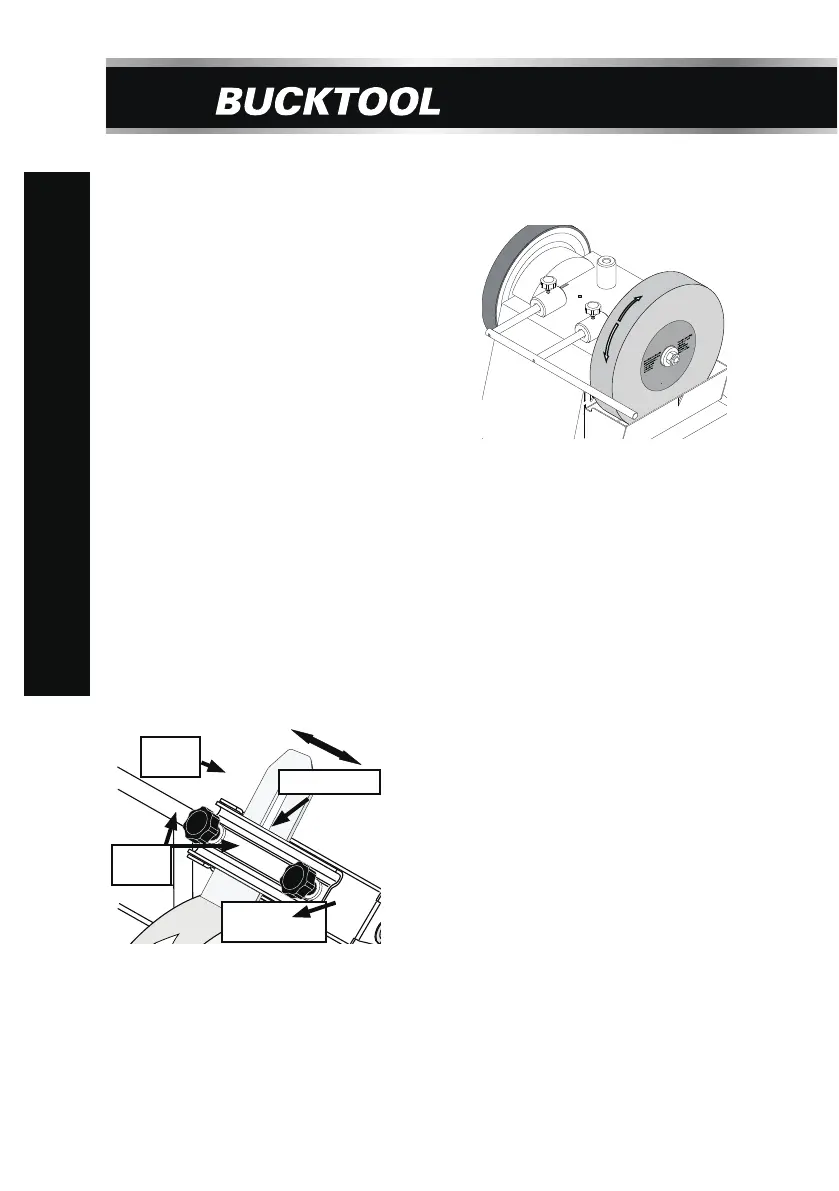
• Position the machine with the ON/OFF
switch facing away from you.
• Attach the universal support in the
horizontal ttach the universal support in
the horizontamounts as shown in Figure 7.
Be sure it is
securely positioned and will
not move during grinding.
• Rest your workpiece on the universal
support with the sharpened edge
pointing
away from you. Grind your workpiece in
the indicated grinding area.
Figure 7
GRINDING WITH WHEEL ROTATION
Figure 8.
Tool
(Varies)
Grinding Jig
Universal
Support
Lock
Knobs
GRINDING JIP
The grinding jig provided with the wet sharpener is used for securing a variety
be positioned to grind with and
rotation.
To mount the grinding jig:
• DISCONNECT SHARPENER
FROM POWER!
• Slide the grinding jig onto the
universal
support, as illustrated
• Insert the tool into the jig clamp,
then use
the angle guide, as
the grinding angle.
• Once the grinding angle is set,
tighten both
the tool in place.
is used for securing a variety of tools, and can
against the wheel
in Figure 8.
described in the manual,
to set
lock knobs to secure
SCM8080
OPERATING INSTRUCTIONS


 To Next Page