105
Required Devices
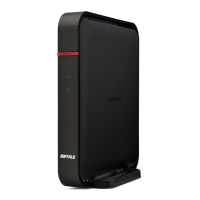
• AirStation with Internet connection
This tutorial uses WZR-1750DHP as an example.
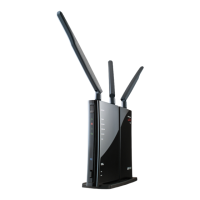
• Wireless bridge
This tutorial uses WZR-1750DHP as an example.
• PC with Ethernet port
We recommend downloading and installing AirStation Configuration Tool from the Buffalo website.
Configuration
Configure each step by following the instructions below.
Step 1: Register wireless clients
Step 2: Connect the wireless bridge to the AirStation
Step 3: Register client MAC addresses through bridge
Step 4: Configure roaming
Step 1: Register Wireless Clients
Unregistered devices will not be able to connect to the AirStation after MAC filtering is enabled.
1 If MAC filtering is enabled on the AirStation, disable it for now.
2 Connect all wireless clients to the AirStation.
3 Log in to AirStation’s Settings.
4 Navigate to Advanced Settings - Wireless - MAC Filtering.
5 Click Edit Registration List.


 To Next Page
 Loading...