6
UK
Telephone Helpline: 0845 146 2887 (United Kingdom)
Tro u bl e s h o o ti n g
If your BUFFALO appliance develops a fault, please check the following table before making a call to the
Helpline.
Technical Specifications
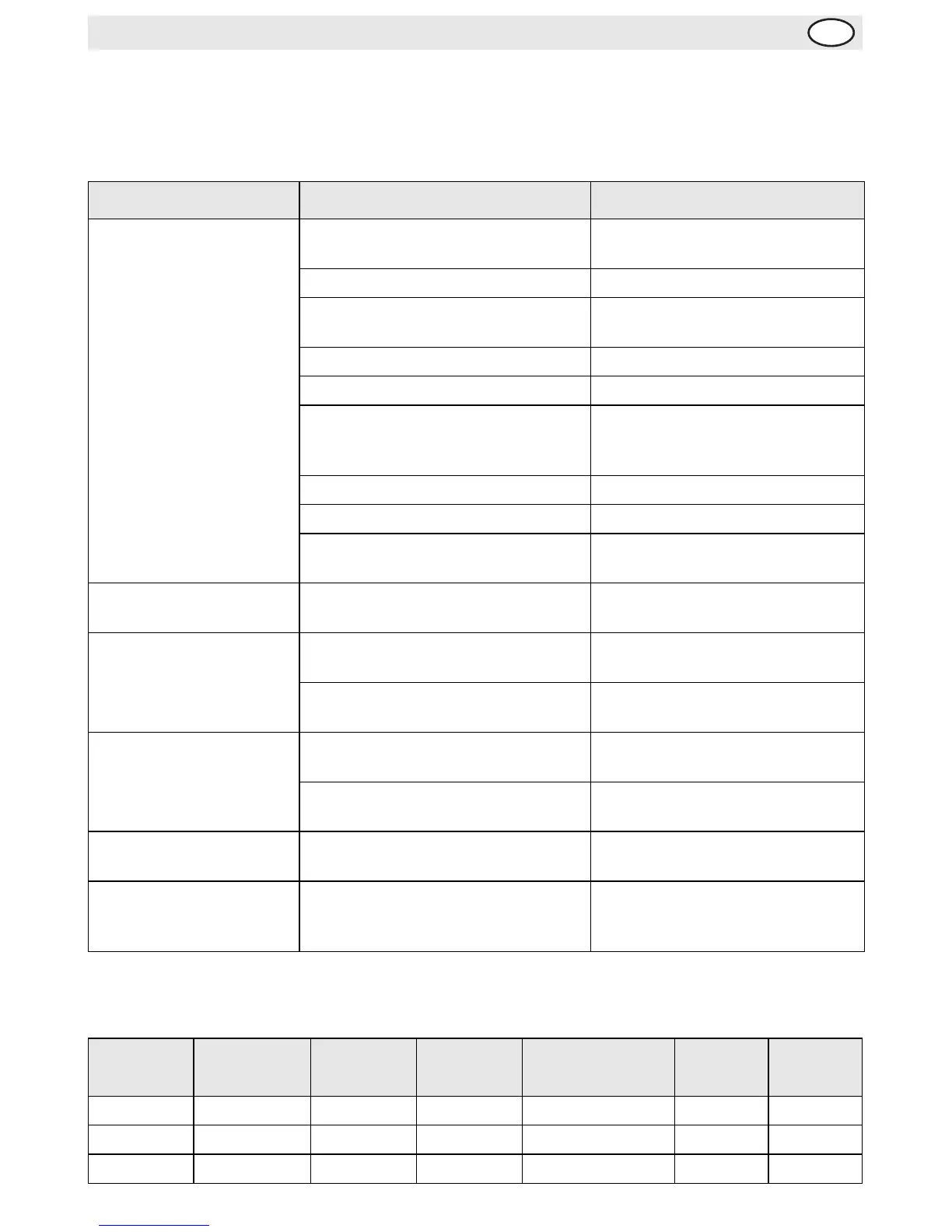
Fault Probable Cause Action
The appliance is not
working
The unit is not switched on Check the unit is plugged in
correctly and switched on
The Stop button not released (CD607) Turn button clockwise to release
Plug and lead are damaged Call BUFFALO agent or qualified
Technician
Fuse in the plug has blown Replace the fuse
Power supply Check power supply
The overload switch has activated See overload switch information in
the Operation section of this
manual
Safety Guard not closed Close Safety Guard fully
Appliance not in gear Put in gear
Bowl not fully raised Ensure the Bowl lever is pushed
back fully
Bowl will not fit back in to
place
Bowl pins or surrounding area clogged
with mix
Clean the appliance
The appliance is
overheating
The mixing bowl is overloaded Turn off the appliance and empty
some of the contents
The appliance has been operating for
too long
Turn off the appliance and allow to
cool down for 30 minutes
The appliance is noisy Bowl or mixing attachment not
correctly fitted
Remove and refit bowl/mixing
attachment
Worn bearings/damaged gears Call BUFFALO agent or qualified
Technician
The mixing attachment
fails to rotate properly
The belt has become loose Call BUFFALO agent or qualified
Technician
Cannot select gear Gearing cogs misaligned Turn Off appliance and manually
turn the whisk attachment slightly.
Select the gear again.
Model Voltage Power Current
Dimensions
w x d x h mm
Weight
Bowl
Volume
CD605 230V 50Hz 500W 2A 485 x 410 x 635 76kg 10l
CD606 230V 50Hz 1100W 4.7A 560 x 540 x 765 107kg 20l
CD607 230V 50Hz 1500W 6.5A 700 x 620 x 1200 208kg 30l



 To Next Page