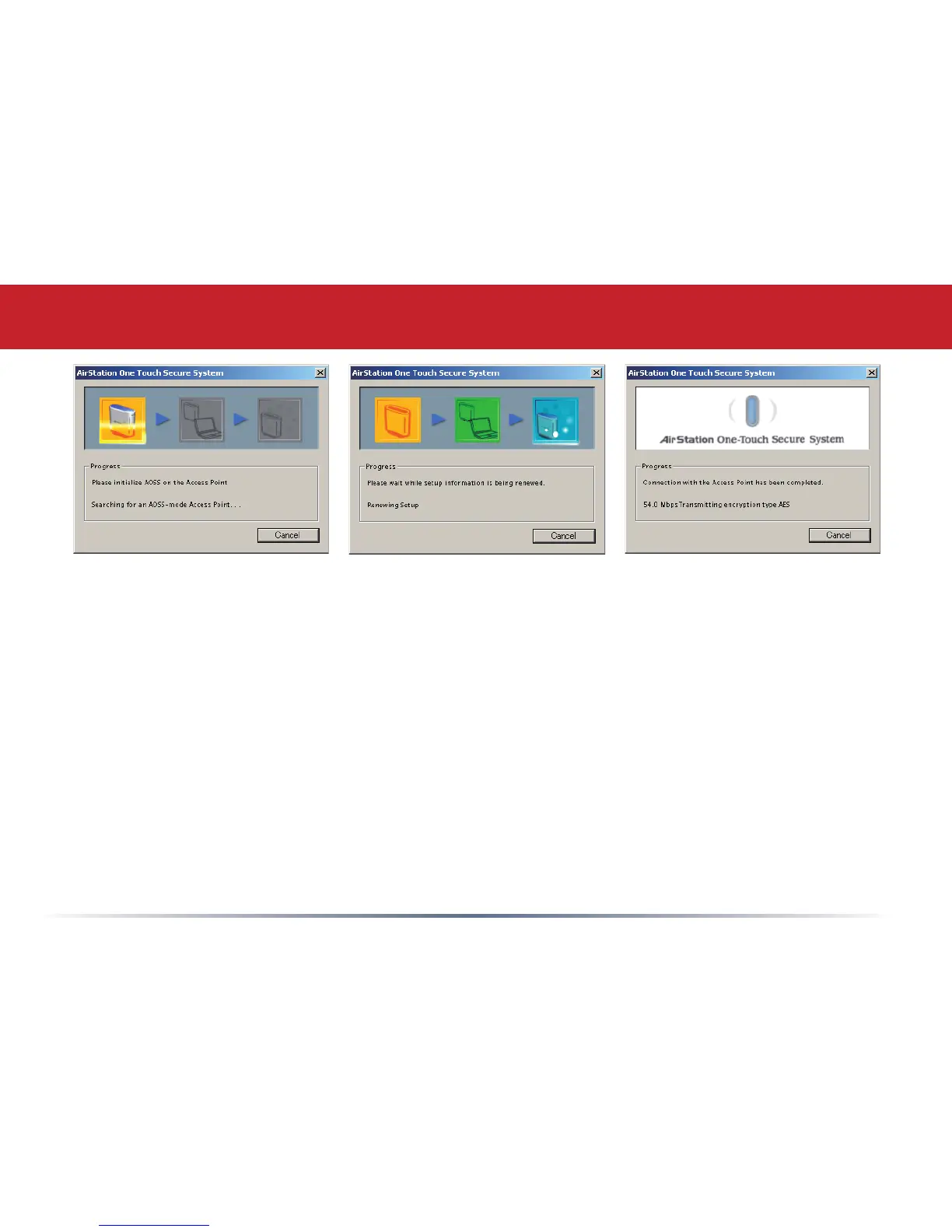
12
Once AOSS is complete (about 30 seconds), the connection is archived as a prole for later
use. To minimize Client Manager to the system tray, click the ‘X’ in the top right corner.
Notes:
AOSS will scan for an AOSS partner for about two minutes. If it times out before nding
one, just press the AOSS buttons again.
Output power is reduced to 25% of normal during AOSS for security reasons. If you’re
having trouble making an AOSS connection, temporarily move the devices closer together.
AOSS will automatically use the highest level of security available for all currently
connected wireless devices.
If you have trouble connecting with AOSS, temporarily disable all personal rewalls on
your PC, such as ZoneAlarm or Microsoft Personal Firewall. These programs may be re-
enabled after AOSS has nished.
Using AOSS


 To Next Page