22
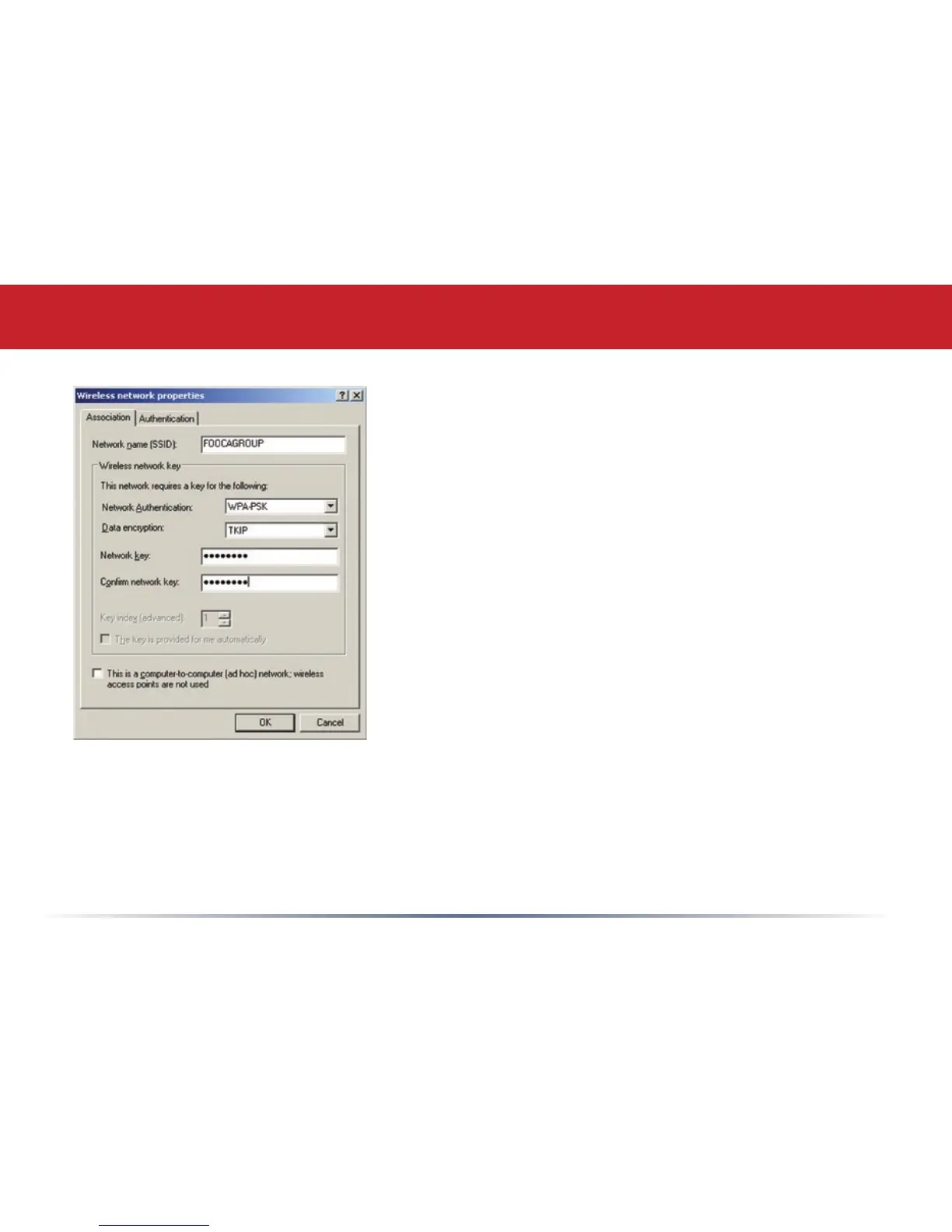
• To congure a WEP/WPA encryption key, select the
wireless network and click Congure.
• From the pull down menu, select the Network
Authentication and Data Encryption types for the
wireless network. Enter and conrm the Network
Key and Key Index. Click OK when nished.
Zero Configuration Service


 To Next Page